All add-ons Animation & Rigging
Auto-Rig Pro: Rig Library
by Joris
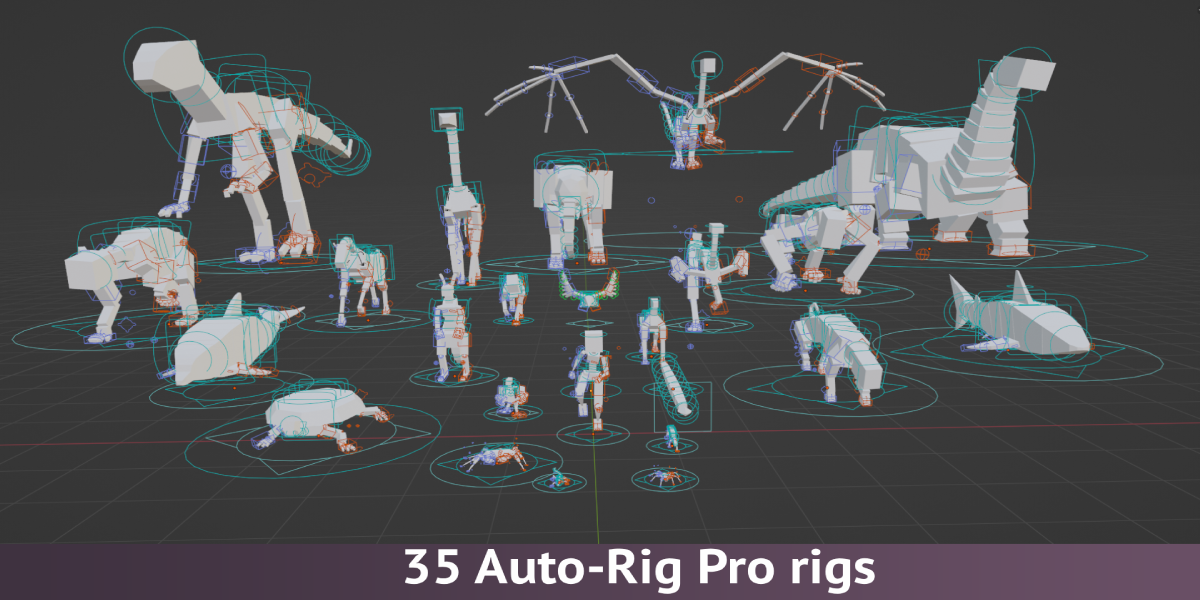
35 ready-made Auto-Rig Pro rigs for animals and creatures, from dogs and horses to dragons, sharks and spiders.
Not tested hands-on. Based on the creator’s documentation, demo videos, changelog and buyer feedback.

Cover image: Joris, from the original product page.
Links to Superhive on this page are affiliate links. If you buy through them I earn a commission, at no extra cost to you.
What it does
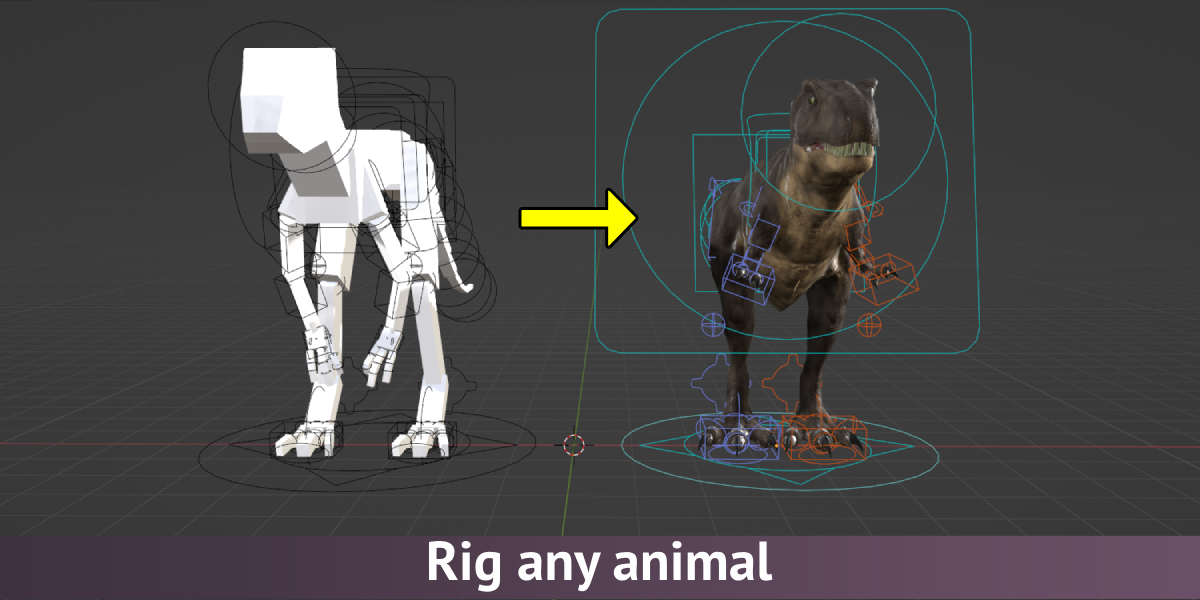
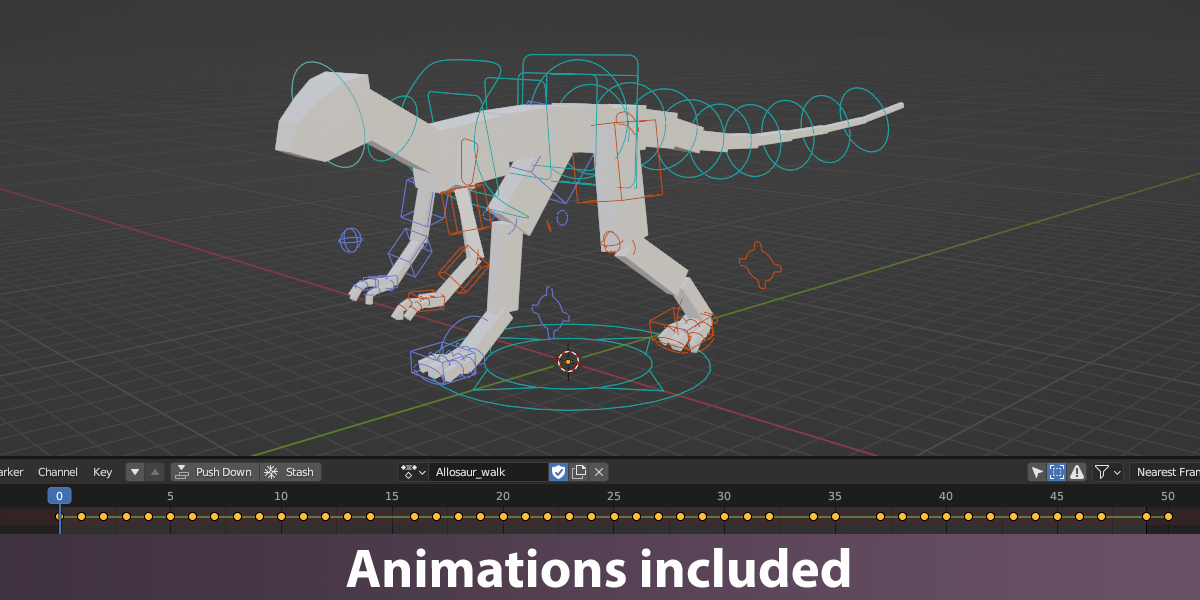
The Rig Library adds 35 pre-built Auto-Rig Pro armatures to the add-on's Add Armature menu. You pick the closest rig, scale and adjust it to your model, then let Auto-Rig Pro generate the controls.
Included rigs
Allosaur, ant, apatosaurus, bear, bee, bird, butterfly, cat, chicken, cow, crab, deer, dog, dolphin, dragon, duck, elephant, fish, frog, giraffe, gorilla, horse, human, kangaroo, lizard, mouse, ostrich, pig, rabbit, shark, snake, spider, squirrel, tiger and turtle.
How it works
- Install Auto-Rig Pro.
- Drag the rig library file into Blender and restart.
- Choose a rig from Add Armature, scale it to your character and fit the bones.
Things to check before buying
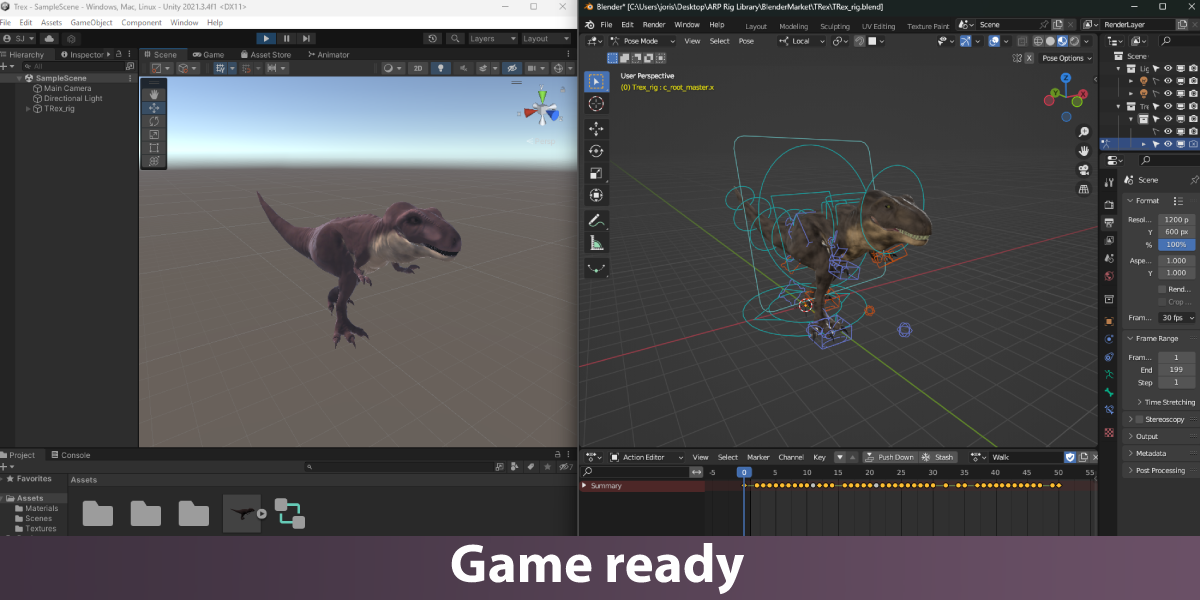
This is not standalone; it needs Auto-Rig Pro. The version history lists which library version matches each Auto-Rig Pro and Blender version.
Strengths
- 35 rigs across many animal types
- Adds them to Auto-Rig Pro's Add Armature menu
- Scale, adjust and match to your model
Worth knowing
- Requires Auto-Rig Pro
- Check version compatibility with your Blender and ARP
Who it's for
Auto-Rig Pro users who rig animals and creatures and want a good starting skeleton instead of building one.
From the product page
Images by Joris, shown from the Superhive product page.
Auto-Rig Pro: Rig Library
Check the current price, version support and changelog on the creator's page.
See price on SuperhiveAffiliate link. How this works