Construction Lines - Accurate CAD Modelling Add-on For Blender
by Dan Norris
CAD-style precision modeling for Blender with snappable guide lines and points, in-place shape drawing and exact transforms.
Not tested hands-on. Based on the creator’s documentation, demo videos, changelog and buyer feedback.
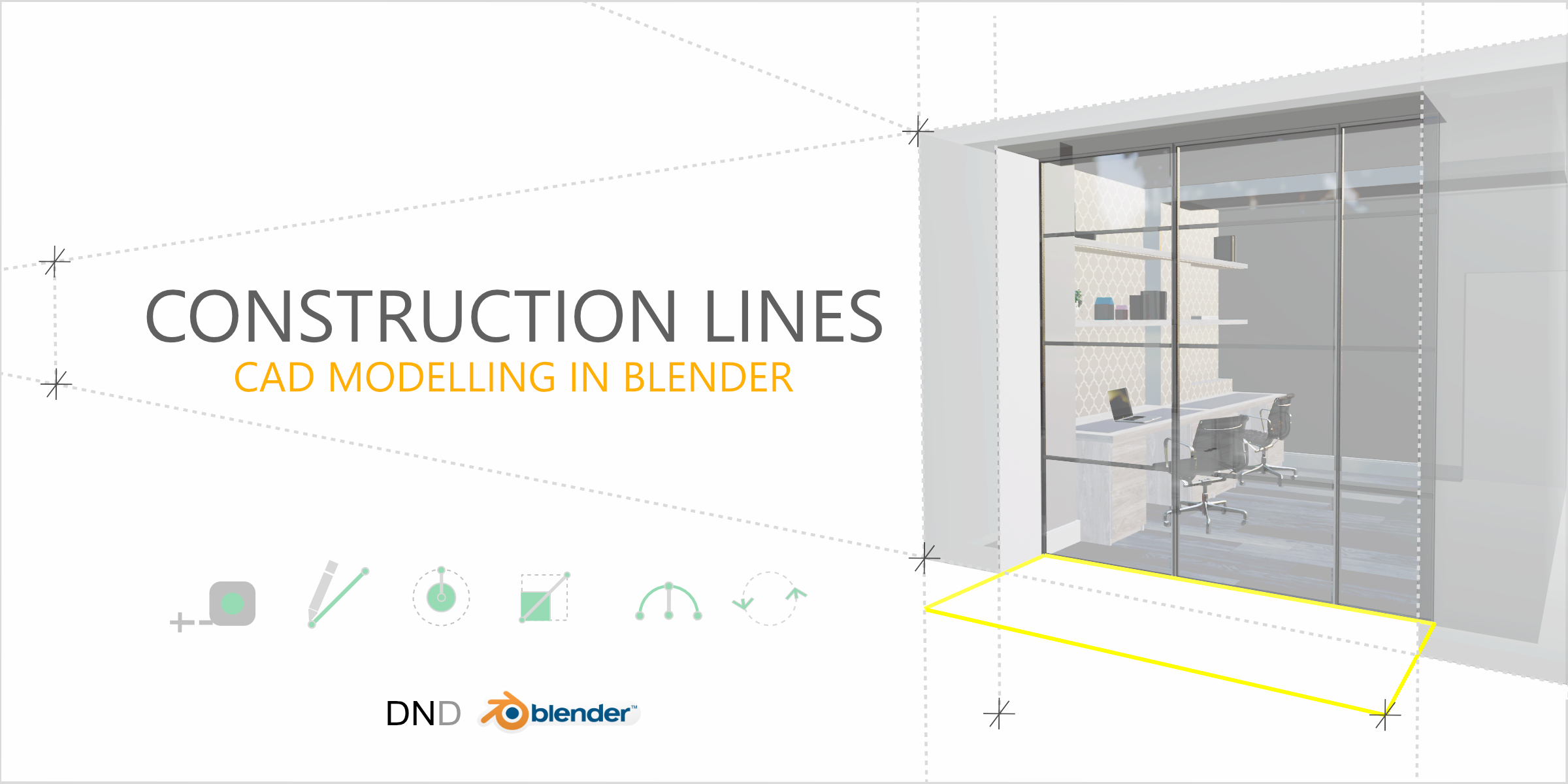
Cover image: Dan Norris, from the original product page.
Links to Superhive on this page are affiliate links. If you buy through them I earn a commission, at no extra cost to you.
What it does
Construction Lines brings a drafting workflow to Blender. You set up guide lines and points first, then build your model inside those guides with accurate snapping, much like construction lines in CAD software.
Key features
- Guide edges and points that are snappable, do not interfere with geometry, can be toggled on and off and never render.
- Draw lines and shapes in place: rectangles, circles and arcs from snap points on existing geometry or guides, without moving the 3D cursor.
- Automatic face creation when lines close a shape, and shapes drawn on faces cut into them.
- Precise move, duplicate and rotate around the scene.
- Extrude cut-through to push shapes through meshes.
- Works seamlessly in Object and Edit modes.
Things to check before buying
If you mostly sculpt or model organic forms, this is not for you. It shines for buildings, furniture, products and parts where measurements matter.
Strengths
- Guides that never render or touch your mesh
- Draw rectangles, circles and arcs from precise snap points
- Works in both Object and Edit mode
Worth knowing
- CAD workflow differs from typical Blender modeling
- Mostly useful for precise, measured work
Who it's for
Architects, product designers and anyone coming from CAD who needs exact measurements and snapping while modeling.
From the product page


Images by Dan Norris, shown from the Superhive product page.
Construction Lines - Accurate CAD Modelling Add-on For Blender
Check the current price, version support and changelog on the creator's page.
See price on SuperhiveAffiliate link. How this works