DECALmachine
by MACHIN3
Mesh decals for hard-surface detail: panel lines, vents, bolts and labels that look like real geometry without changing the mesh.
Not tested hands-on. Based on the creator’s documentation, demo videos, changelog and buyer feedback.
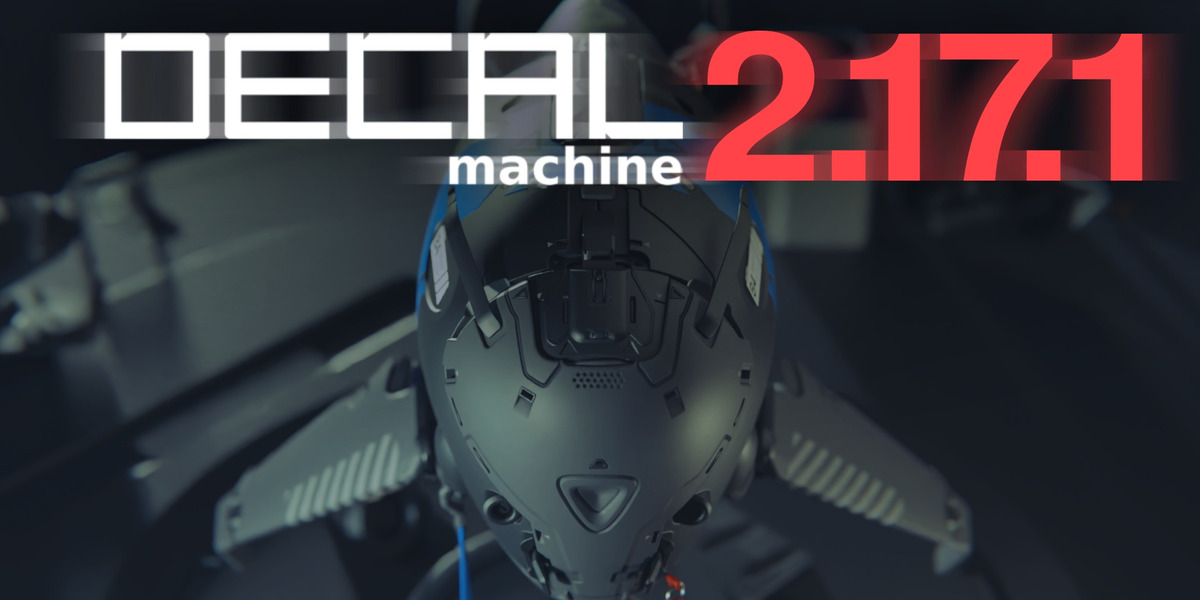
Cover image: MACHIN3, from the original product page.
Links to Superhive on this page are affiliate links. If you buy through them I earn a commission, at no extra cost to you.
What it does
DECALmachine adds detail with mesh decals: small pieces of geometry with special materials that sit on top of a surface and borrow its shading. A flat panel can get grooves, vents, screws and labels that read as real cuts, while the base mesh stays simple.
Key features
- Decal library: simple, subset, panel and info decals, plus tools to create your own from geometry.
- Panel decals that run along edges and around corners for panel lines.
- Projection and matching: decals project onto curved surfaces and pick up the parent material so they blend in.
- Trim sheets: build and use trim sheets for efficient game texturing.
- Atlasing and baking: combine decals into texture atlases and bake them down for export to game engines.
- Works with Cycles and EEVEE.
Things to check before buying
Decals rely on clean surface normals on the parent object, so the documentation is worth reading first. Like other MACHIN3 tools, pricing has several tiers, and the product page lists supported Blender versions.
Strengths
- Adds detail without touching the base topology
- Panel decals follow surfaces and curves
- Trim sheet and atlas tools for game export
Worth knowing
- Decal workflow has its own concepts to learn
- Top tiers are expensive
Who it's for
Hard-surface and game artists who want dense surface detail quickly and need it to export or bake for game engines.
From the product page


Images by MACHIN3, shown from the Superhive product page.
DECALmachine
Check the current price, version support and changelog on the creator's page.
See price on SuperhiveAffiliate link. How this works