DynRemesh/AutoFlow - Remeshing Toolset
by AFX LAB
One-click quad remeshing for Dyntopo sculpts and scans, built on QuadriFlow with density controls and presets.
Not tested hands-on. Based on the creator’s documentation, demo videos, changelog and buyer feedback.
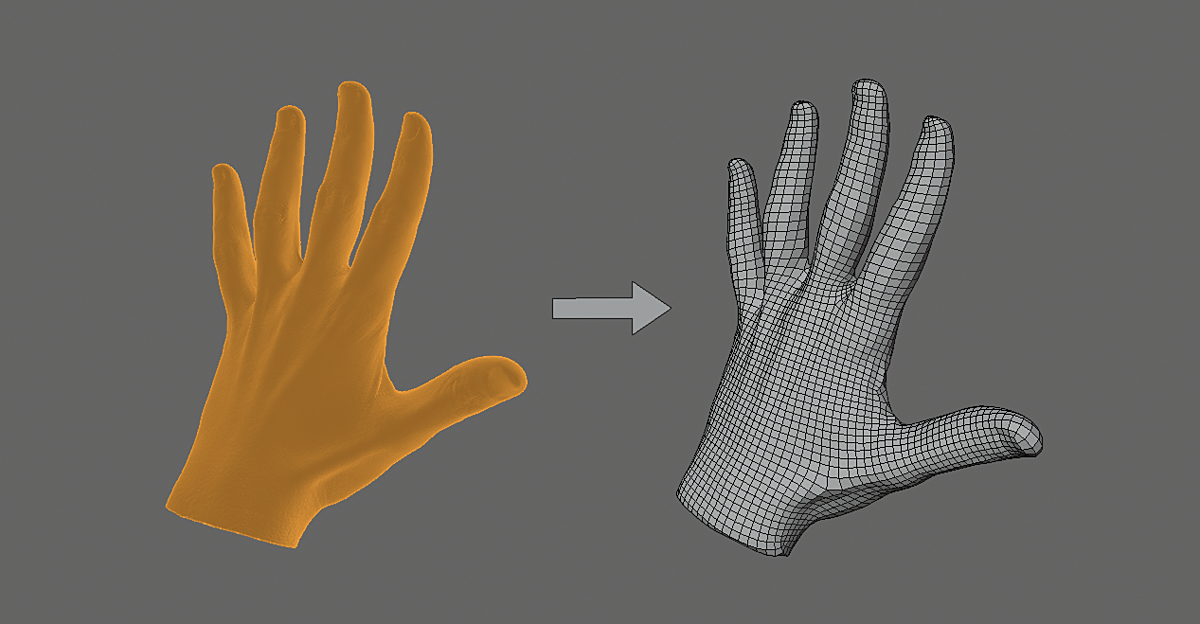
Cover image: AFX LAB, from the original product page.
Links to Superhive on this page are affiliate links. If you buy through them I earn a commission, at no extra cost to you.
What it does
DynRemesh automates quad remeshing. It runs the steps needed to turn a dense triangulated sculpt or scan into a quad mesh with one click, using the QuadriFlow algorithm.
Key features
- Single-click remesh.
- Preset bar with polycount detection.
- Density control through density, decimation and subdivision settings.
- Weight paint operator to define where you want more or fewer polygons.
- Symmetry support (experimental).
- Relax and smooth options and auto-update when settings change.
Things to check before buying
Automatic quad remeshing gives a clean base for sculpting or baking, but edge loops will not follow animation needs like a manual retopo. Check compatibility with your Blender version.
Strengths
- Single-click quad remesh
- Density control with weight painting
- Presets based on polycount
Worth knowing
- Automatic remesh is not animation-ready topology
- Symmetry support is experimental
Who it's for
Sculptors and scan artists who need a quick quad mesh from triangle-heavy models for further work.
From the product page
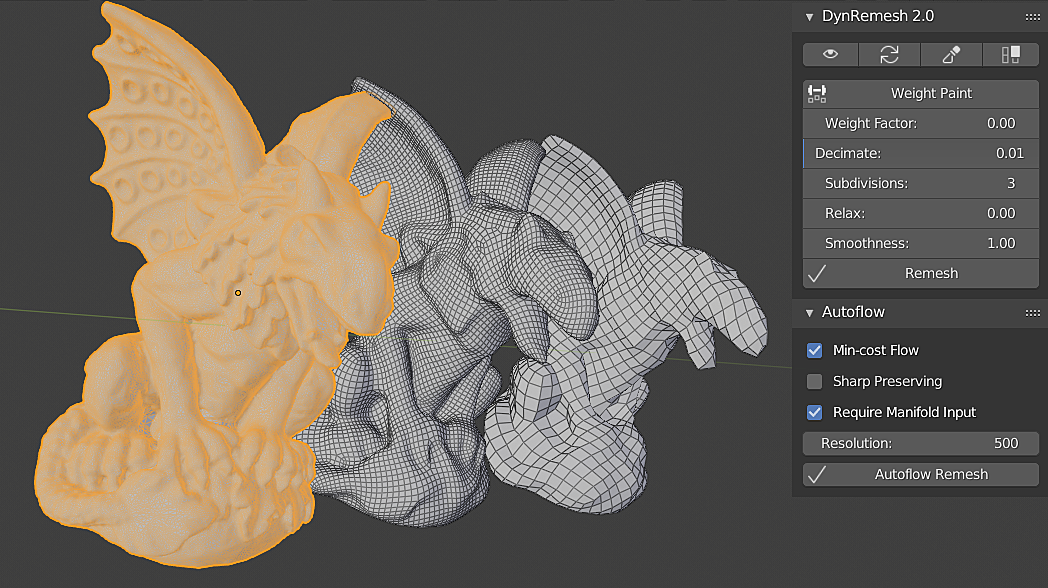
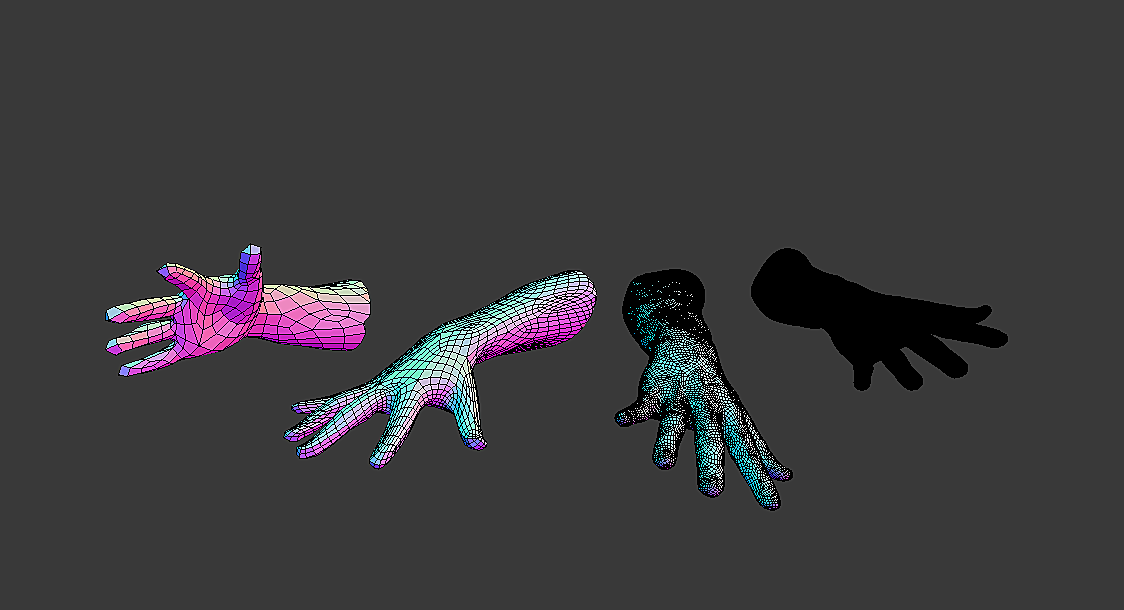
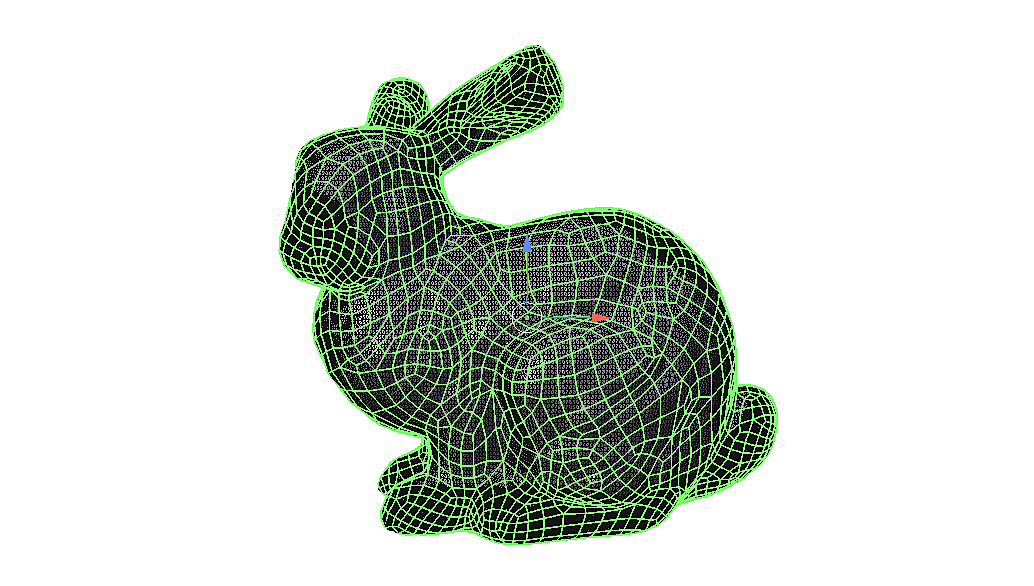
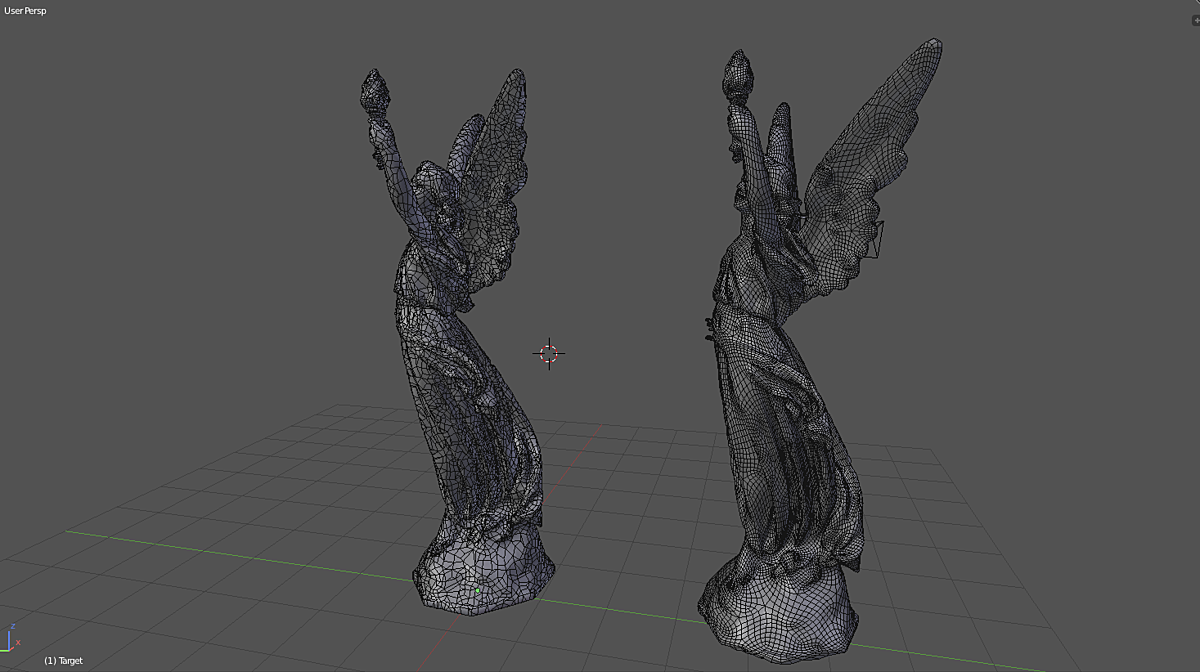
Images by AFX LAB, shown from the Superhive product page.
DynRemesh/AutoFlow - Remeshing Toolset
Check the current price, version support and changelog on the creator's page.
See price on SuperhiveAffiliate link. How this works