All add-ons Lighting & Rendering
Extra Lights - Photometric Lighting for Blender
60+ photometric light presets based on real fixtures, with lumen-based strength, real colour temperatures and IES patterns.
Not tested hands-on. Based on the creator’s documentation, demo videos, changelog and buyer feedback.
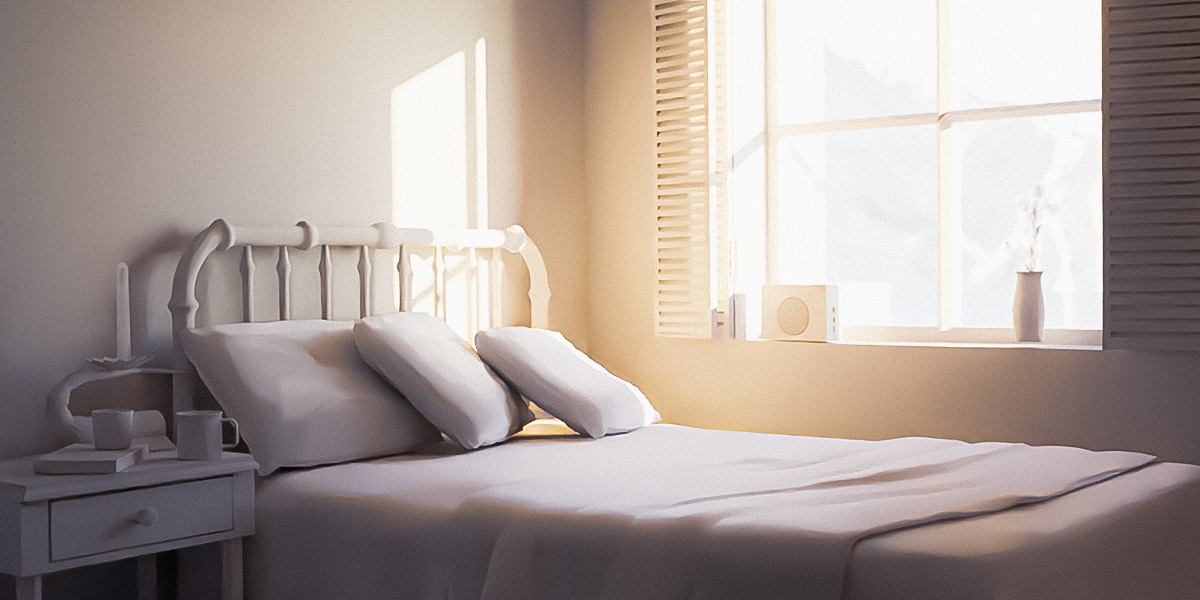
Cover image: Orange Turbine, from the original product page.
Links to Superhive on this page are affiliate links. If you buy through them I earn a commission, at no extra cost to you.
What it does
Extra Lights adds more than 60 photometric light presets to Blender's Add menu. Every light is modelled on a real fixture, so its brightness and colour behave like the real thing in Cycles and EEVEE.
Key features
- 30+ standard presets for point, spot, area and sun lights, organised by type and strength.
- 30+ IES presets that cast realistic patterns based on how each bulb is used.
- Strength in lumens instead of Blender's watts, which matches how real bulbs are rated.
- Kelvin colour temperature preset for each light based on its real-world counterpart.
Things to check before buying
This comes from Orange Turbine, whose parent company sponsors the Blender Development Fund. It pairs well with a lighting manager such as Gaffer if you also need to control many lights.
Strengths
- Presets based on real-world fixtures
- Strength in lumens, colour in Kelvin
- 30+ IES presets with realistic light patterns
Worth knowing
- A preset library rather than a lighting manager
- Most useful for realistic lighting, less so for stylised work
Who it's for
Archviz and interior artists who want believable, real-world light fixtures without guessing wattages and colours.
From the product page
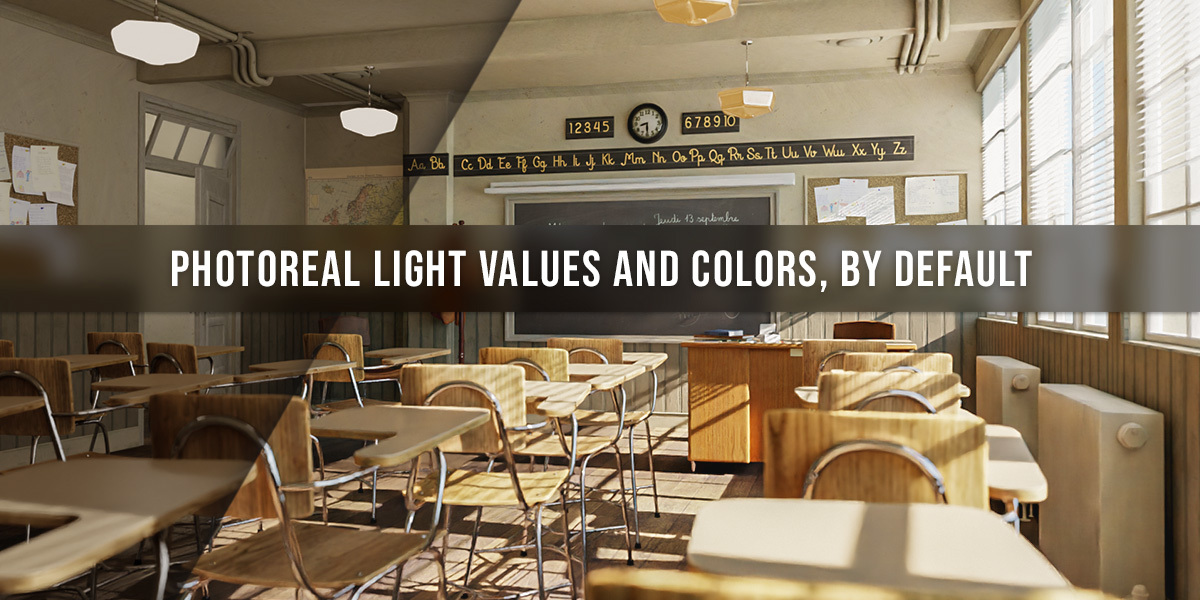
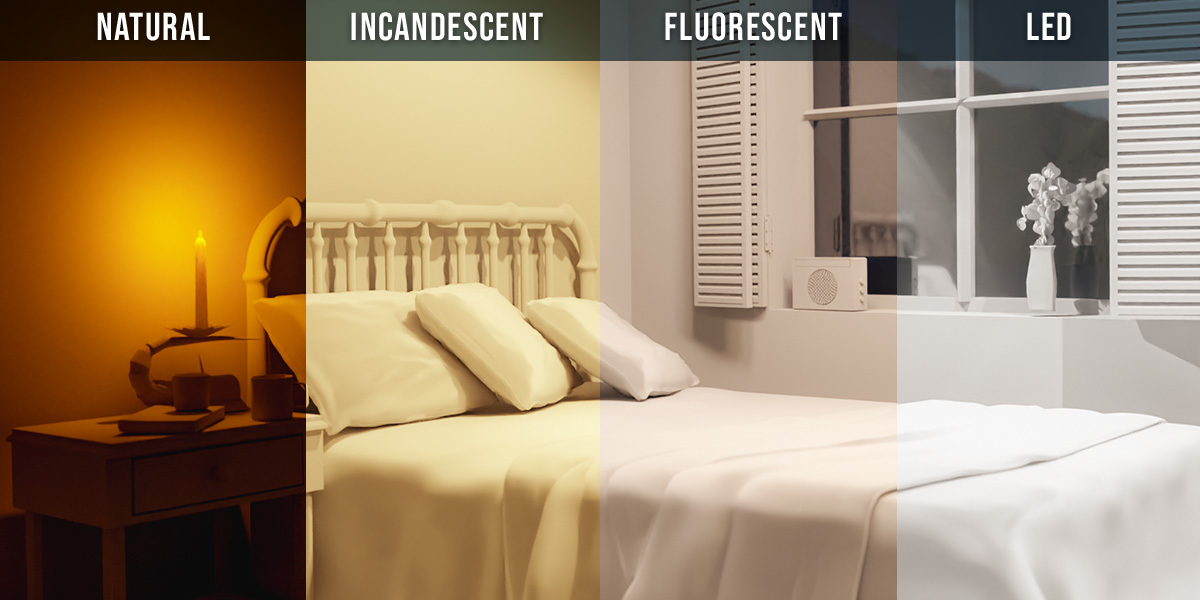
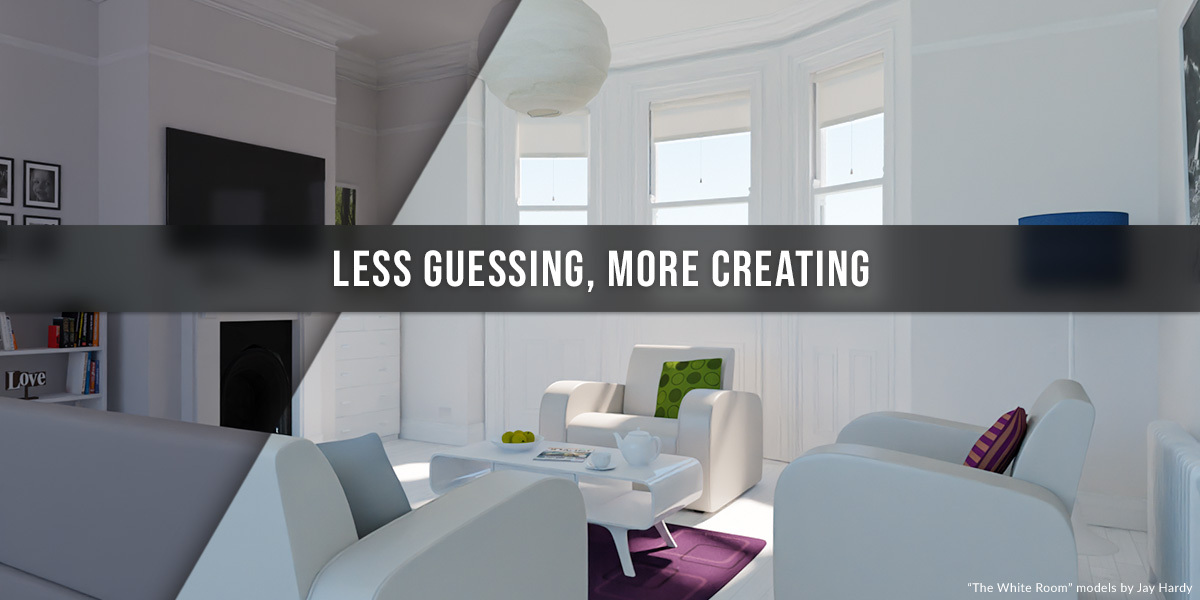

Images by Orange Turbine, shown from the Superhive product page.
Extra Lights - Photometric Lighting for Blender
Check the current price, version support and changelog on the creator's page.
See price on SuperhiveAffiliate link. How this works


