All add-ons Materials & Shading
Fluent : Materializer - Material Tool Suite
by CG Thoughts
A procedural material-building toolkit with 130+ combinable nodes for wear, grime, scratches and decals, no UVs needed.
Not tested hands-on. Based on the creator’s documentation, demo videos, changelog and buyer feedback.
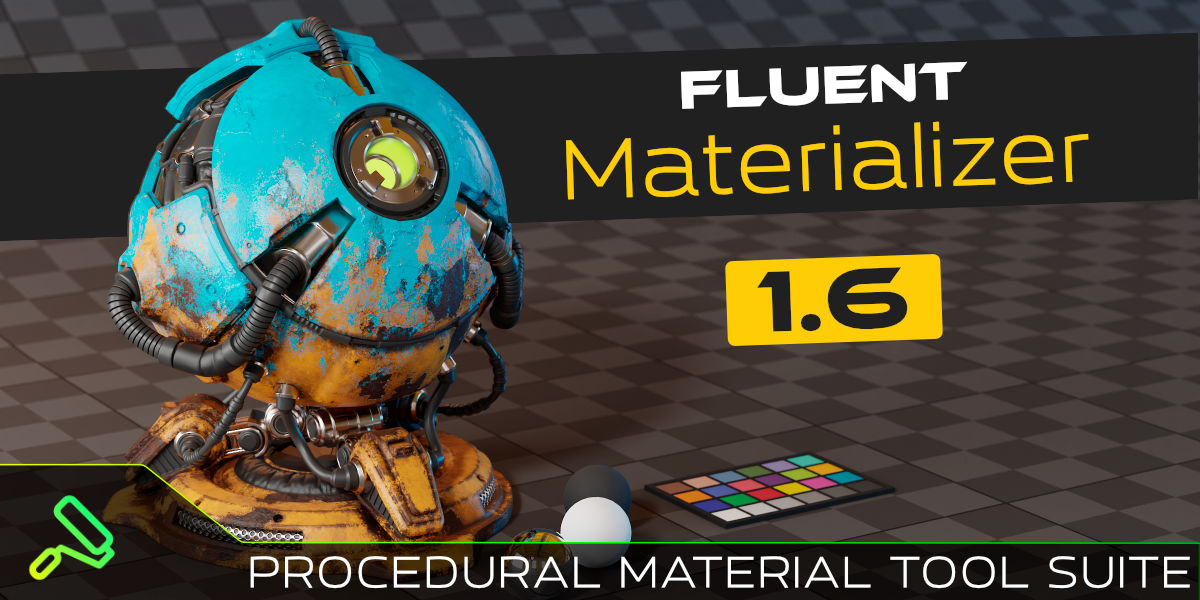
Cover image: CG Thoughts, from the original product page.
Links to Superhive on this page are affiliate links. If you buy through them I earn a commission, at no extra cost to you.
What it does
Fluent: Materializer is a toolkit for making your own procedural materials. Instead of shipping finished presets, it gives you building blocks and a workflow: base materials, wear masks, imperfections and decals that combine into detailed surfaces without unwrapping UVs.
Key features
- 130+ nodes designed to be combined into thousands of materials.
- Pie menu for fast node building: adds layers and connects them automatically, including mix layers and edge or cavity masks.
- Effects library: edge wear, grime, chipped paint, mud, scratches, smudges, impacts and fingerprints.
- Decal system for labels and surface details.
- Baking so materials can be exported as textures.
- Free updates and active development that follows new Blender releases.
Things to check before buying
The philosophy is a consistent method, not one-shot presets. That makes it powerful once learned, but it is not the fastest way to grab a ready material. It comes from the same team as the Fluent modeling suite.
Strengths
- Pie menu builds and connects layers for you
- Large library of imperfection and wear effects
- Unique decal system and baking
Worth knowing
- A method to learn, not a library of finished materials
- Procedural materials can be slower to render
Who it's for
Hard-surface and prop artists who want to build their own worn, detailed materials procedurally instead of using a premade library.
More videos from the creator
From the product page




Images by CG Thoughts, shown from the Superhive product page.
Fluent : Materializer - Material Tool Suite
Check the current price, version support and changelog on the creator's page.
See price on SuperhiveAffiliate link. How this works