Fluent 4 - Hard surface modeling tool suite
by CG Thoughts
A non-destructive hard-surface suite built around boolean cuts, bevels and procedural details like grids and screws.
Not tested hands-on. Based on the creator’s documentation, demo videos, changelog and buyer feedback.

Cover image: CG Thoughts, from the original product page.
Links to Superhive on this page are affiliate links. If you buy through them I earn a commission, at no extra cost to you.
What it does
Fluent 4 is CG Thoughts' all-in-one hard-surface toolkit. You draw shapes on a surface to cut, slice or add geometry, and the add-on manages the booleans, bevels and modifier stack for you through a viewport interface.
Key features
- Draw and cut: rectangles, circles, prisms and custom shapes as boolean cuts, slices or inset panels.
- Bevel management: two-level bevels and weighted normals for clean shading.
- Non-destructive editing: go back to any cut and change it later.
- Detail tools: grids, screws, wires and pipes to add mechanical detail quickly.
- Inset and outer boolean options for panel lines and raised parts.
- Smart viewport menus so most actions happen near your cursor.
Things to check before buying
Fluent covers similar ground to Hard Ops and BoxCutter. If you already own those, check whether Fluent's detail tools justify a second toolkit. Pricing has a few tiers; check the Blender versions supported by the current release.
Strengths
- Viewport interface keeps hands off the side panel
- Stays non-destructive for most of the process
- Includes extra detail tools like grids, screws and wires
Worth knowing
- Overlaps heavily with Hard Ops/BoxCutter, so most people pick one
- Fluent's own workflow takes time to learn
Who it's for
Hard-surface artists who prefer one integrated toolkit with on-screen controls for cutting, bevelling and adding panel details.
From the product page

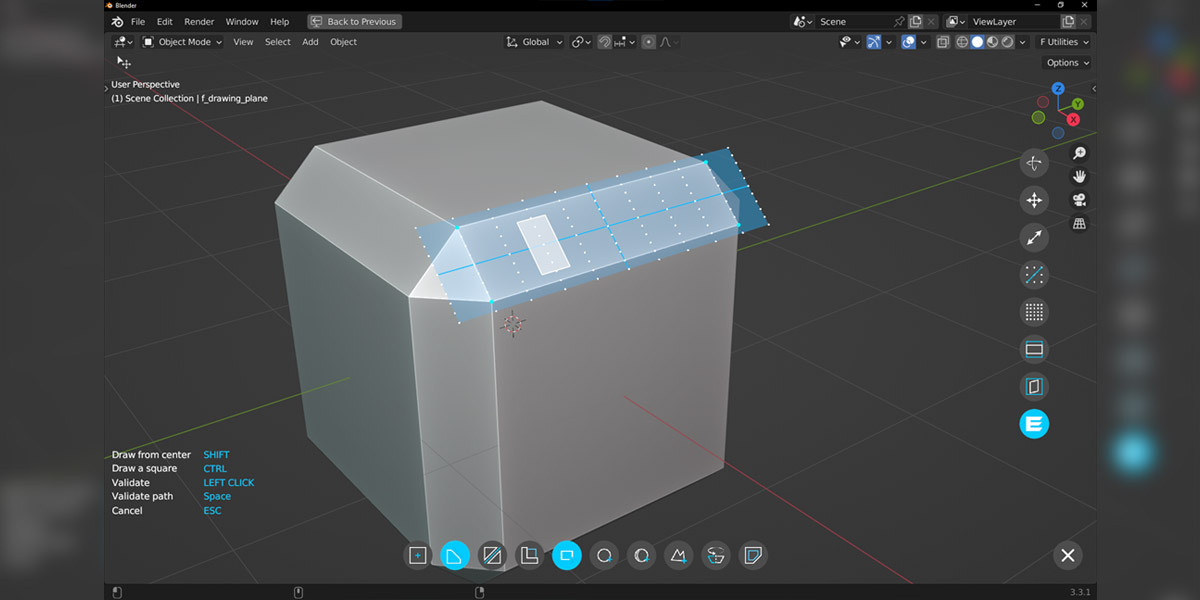

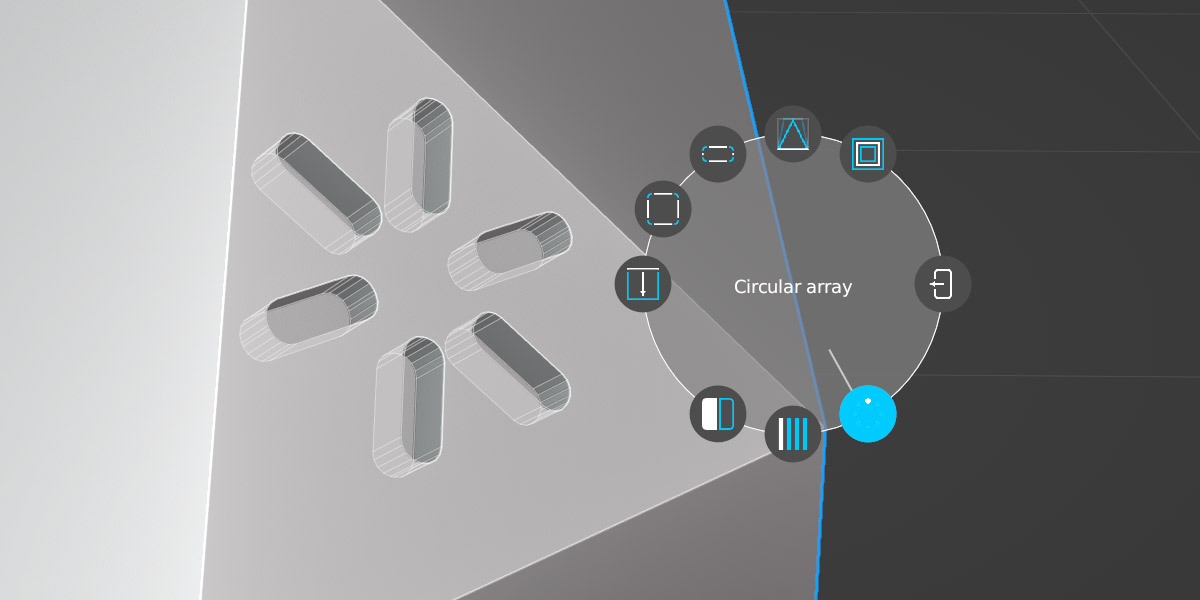
Images by CG Thoughts, shown from the Superhive product page.
Fluent 4 - Hard surface modeling tool suite
Check the current price, version support and changelog on the creator's page.
See price on SuperhiveAffiliate link. How this works