Instant Clean - The Ultimate Mesh Clean
One-click mesh cleanup for imported CAD files, scans and downloaded assets, with reusable presets.
Not tested hands-on. Based on the creator’s documentation, demo videos, changelog and buyer feedback.
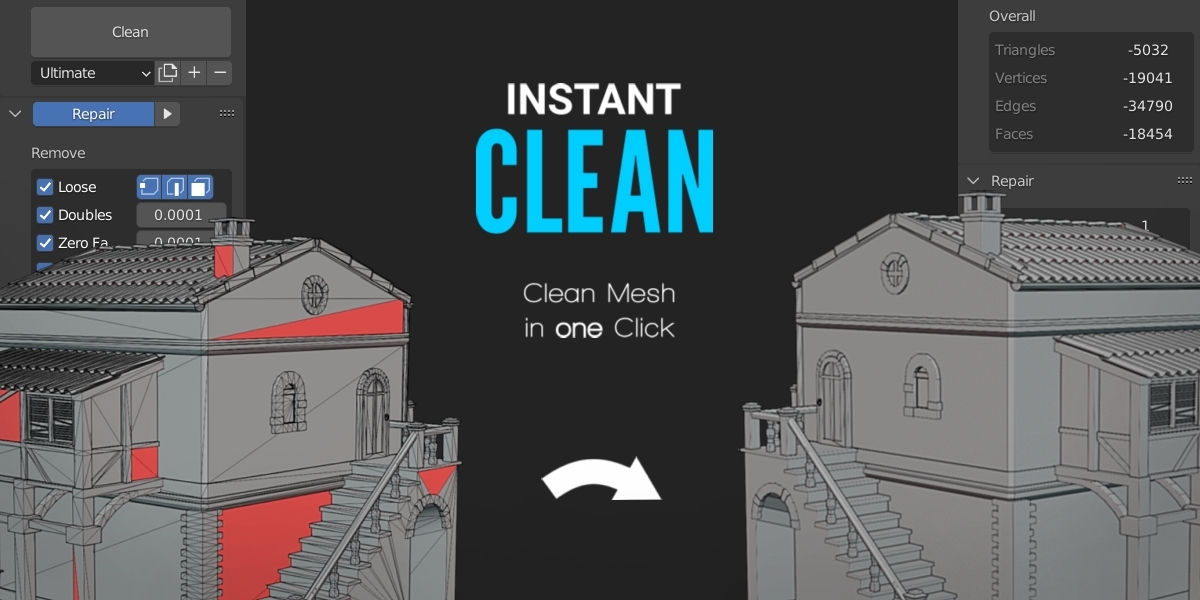
Cover image: Ruben Messerschmidt, from the original product page.
Links to Superhive on this page are affiliate links. If you buy through them I earn a commission, at no extra cost to you.
What it does
Instant Clean automates the cleanup you normally do after importing a model: merging doubles, removing loose geometry, fixing normals and preparing the mesh for its next step.
Key features
- One-click cleanup of geometry and normals.
- Preset system with reusable presets for CAD imports, scans, asset library models and more.
- Single execution so you can run each cleanup step separately when you want control.
- Clear feedback on what was changed, so you know what happened to your mesh.
- Prepares models for rendering, 3D printing or export to game engines.
Things to check before buying
Cleanup tools fix common problems, not fundamentally broken models. Make your own presets for the sources you import most often.
Strengths
- Fixes normals and common geometry problems in one click
- Preset system for different sources
- Reports what was changed
Worth knowing
- Automatic cleanup cannot fix badly broken topology
- Default presets may need tuning for your files
Who it's for
Anyone who imports messy models and needs them clean for rendering, 3D printing or game engines.
From the product page
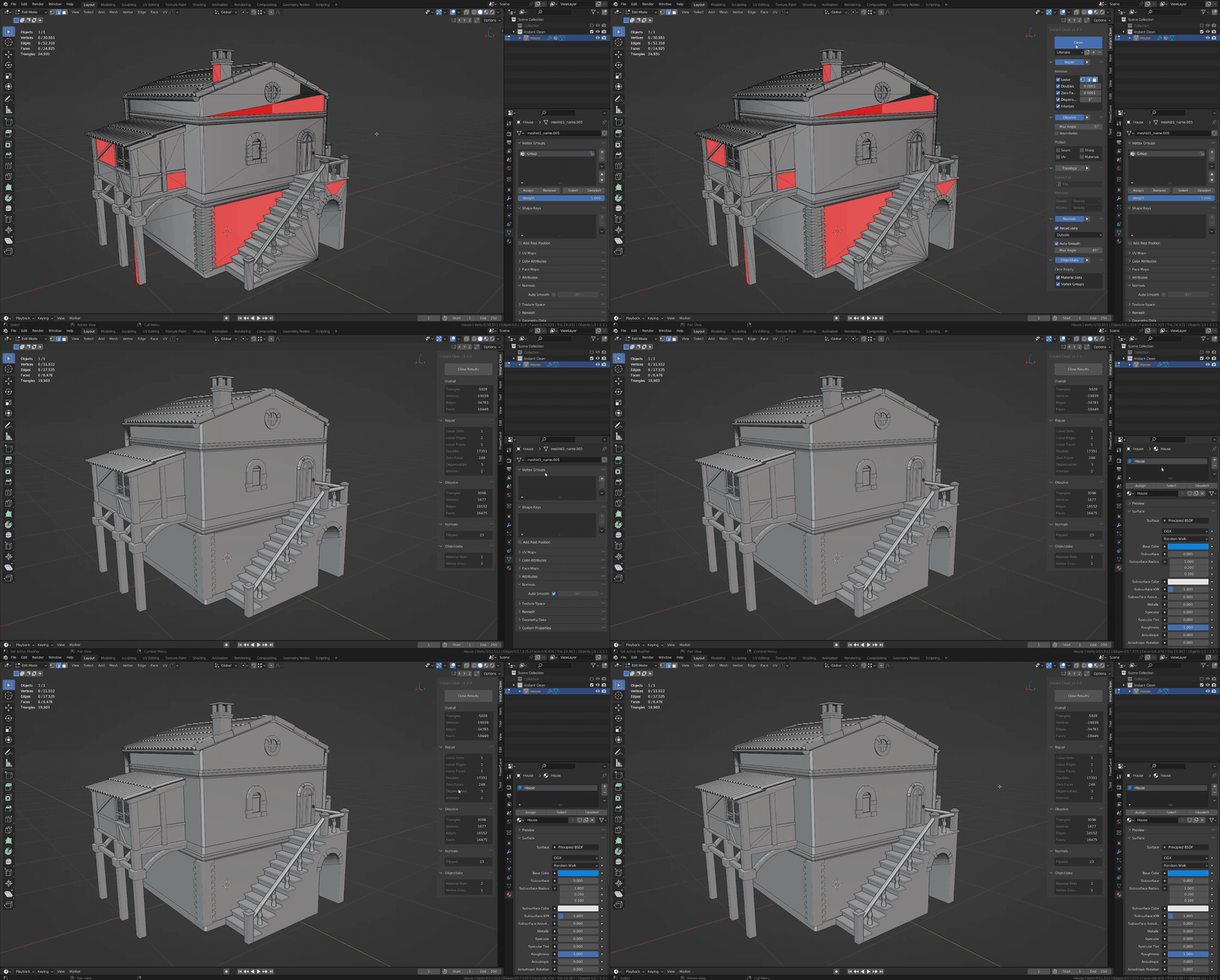
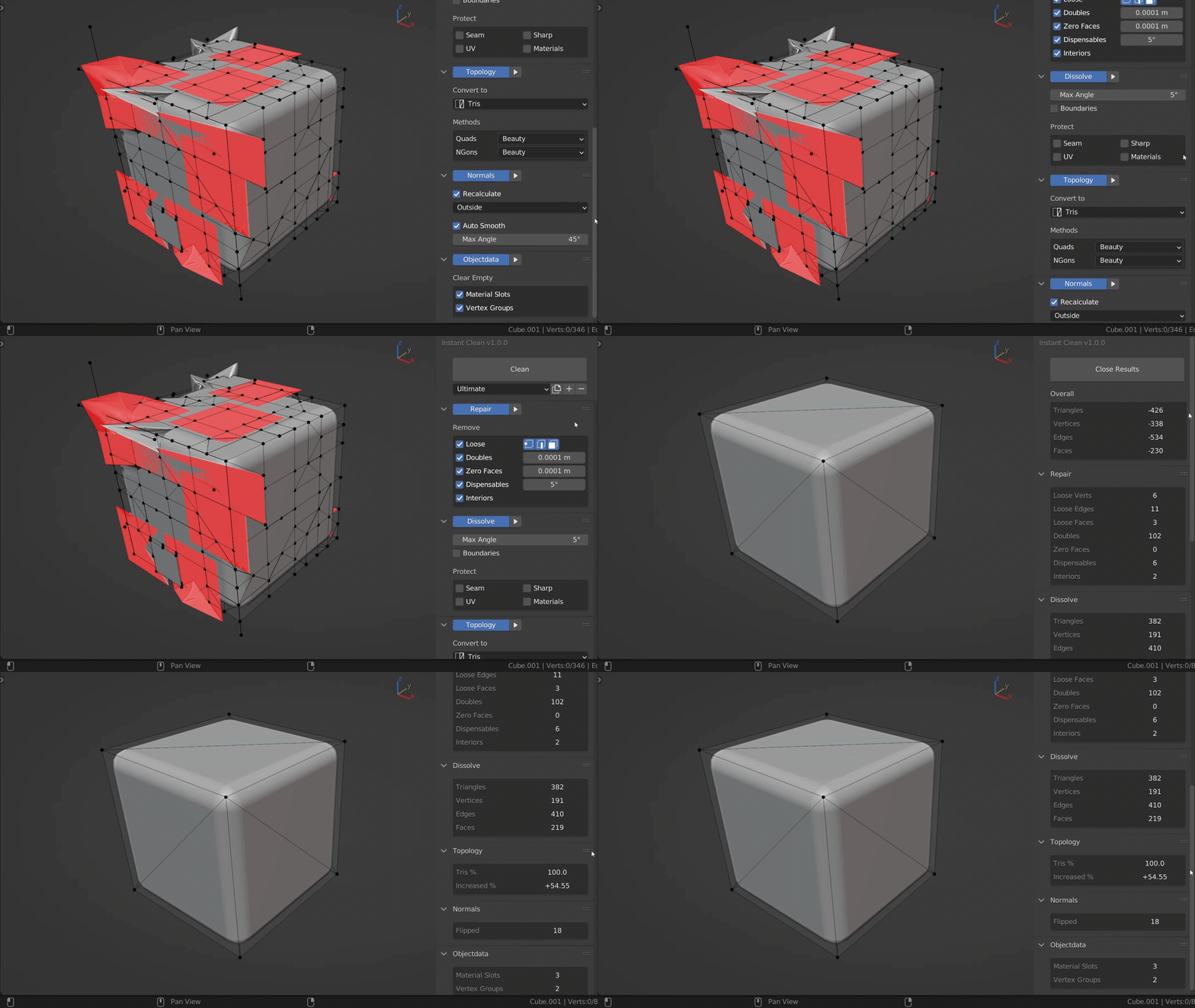
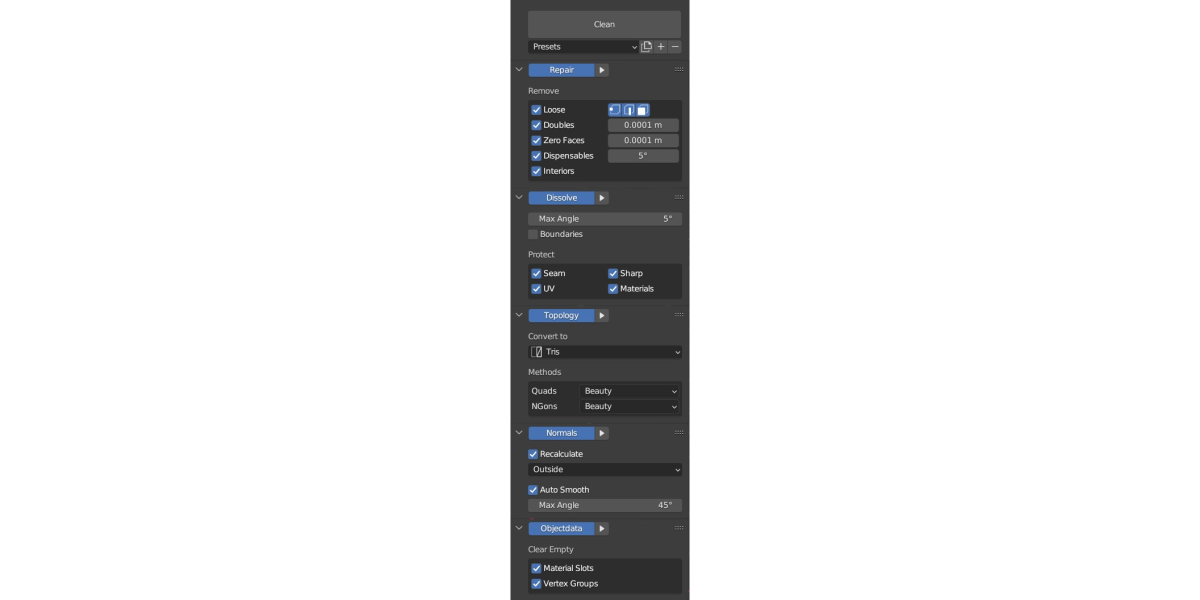
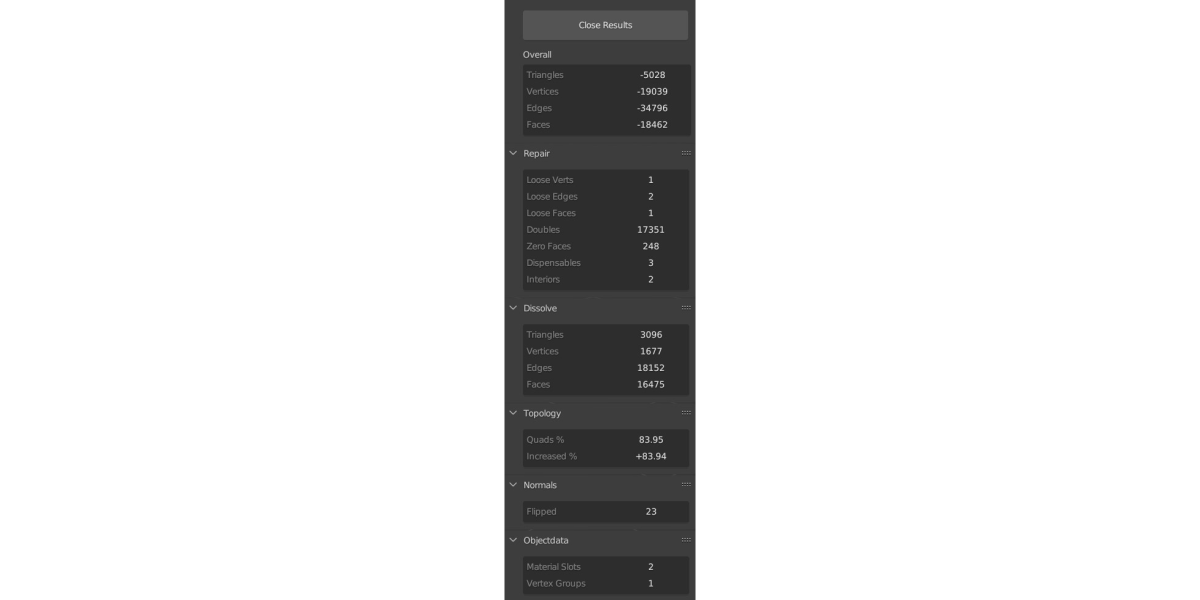
Images by Ruben Messerschmidt, shown from the Superhive product page.
Instant Clean - The Ultimate Mesh Clean
Check the current price, version support and changelog on the creator's page.
See price on SuperhiveAffiliate link. How this works