KIT OPS 4: Premiere Kitbashing addon
Blender's best-known kitbashing add-on: drop reusable parts, materials and decals onto surfaces with automatic boolean cutting.
Not tested hands-on. Based on the creator’s documentation, demo videos, changelog and buyer feedback.
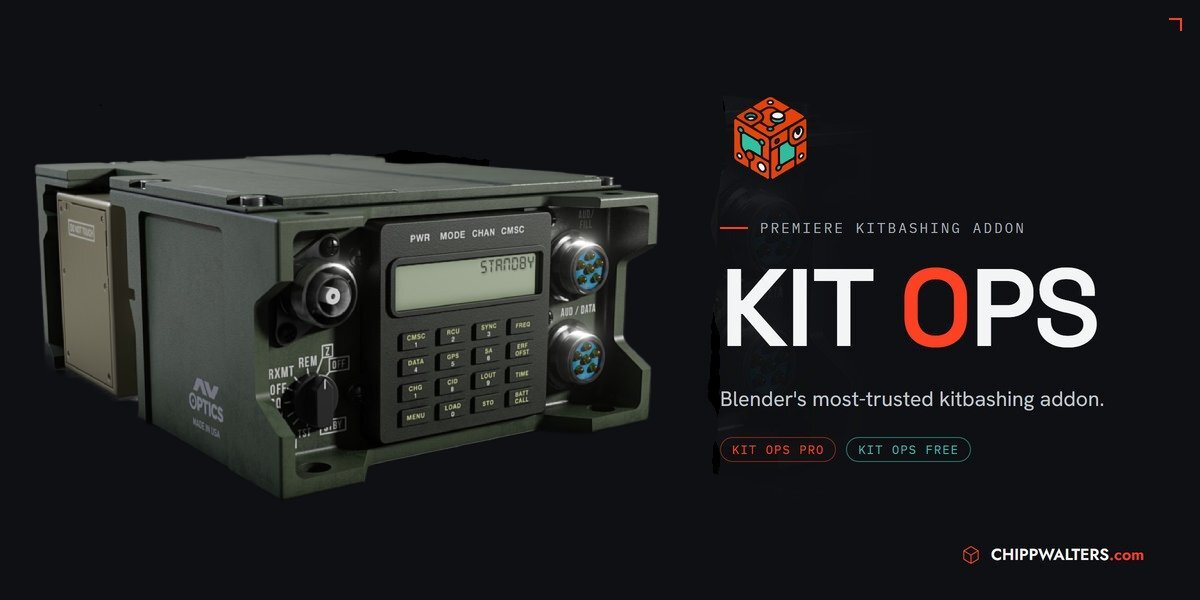
Cover image: Chipp Walters, from the original product page.
Links to Superhive on this page are affiliate links. If you buy through them I earn a commission, at no extra cost to you.
What it does
KIT OPS lets you drop reusable parts, called INSERTs, onto any surface. It handles the boolean cut, scale, snapping and modifier order for you, so kitbashing becomes drag, drop and adjust.
Key features
- INSERTs: parts, materials and decals you can place on any surface.
- Automatic booleans, scaling, snapping and modifier sorting.
- KPACK libraries organised in hierarchies.
- SMART mode: non-destructive editing with live mirror, array, align and stretch.
- Hardpoints for snapping parts precisely.
- Pro features: authoring boolean-cutting INSERTs, the full INSERT FACTORY, favourites, Replace INSERT, asset library conversion and more.
Things to check before buying
Free and Pro are the same add-on: Free places and cuts INSERTs and makes basic ones; Pro unlocks the authoring and library tools. Try Free first to see if the workflow suits you.
Strengths
- Automatic boolean cutting, scaling and snapping
- Non-destructive SMART mode
- Free version available
Worth knowing
- Pro needed for authoring cutting INSERTs
- Best results need good KPACK libraries
Who it's for
Hard-surface and concept artists who build models from reusable parts and want booleans and snapping handled automatically.
From the product page
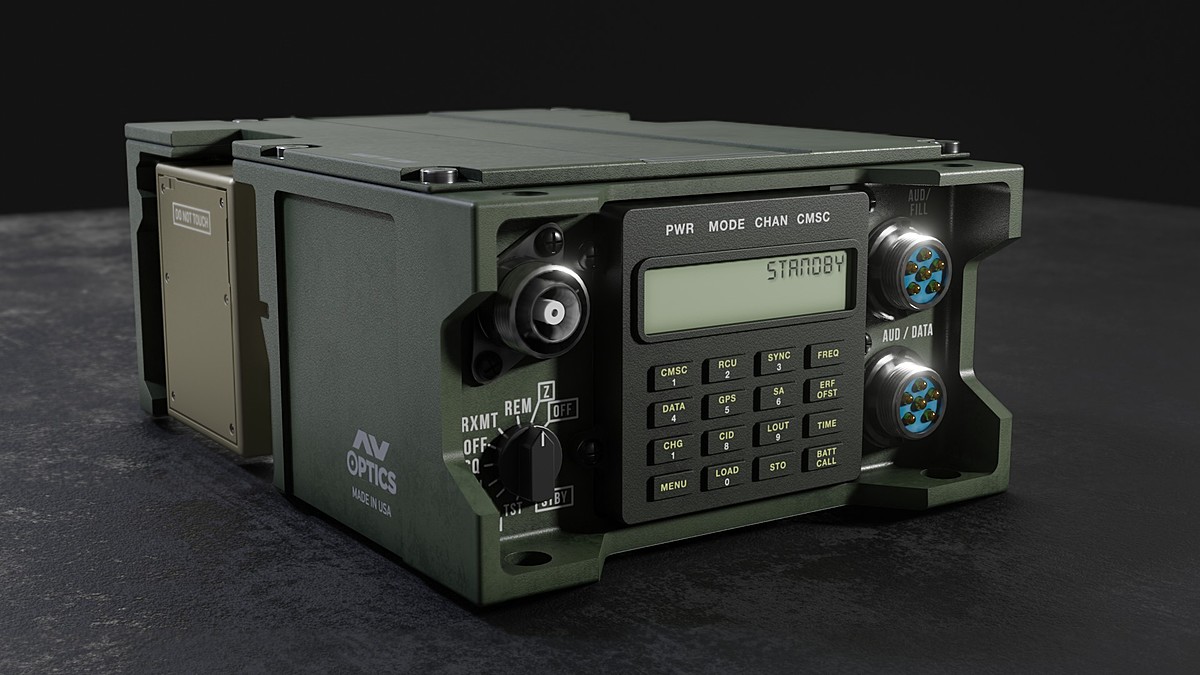

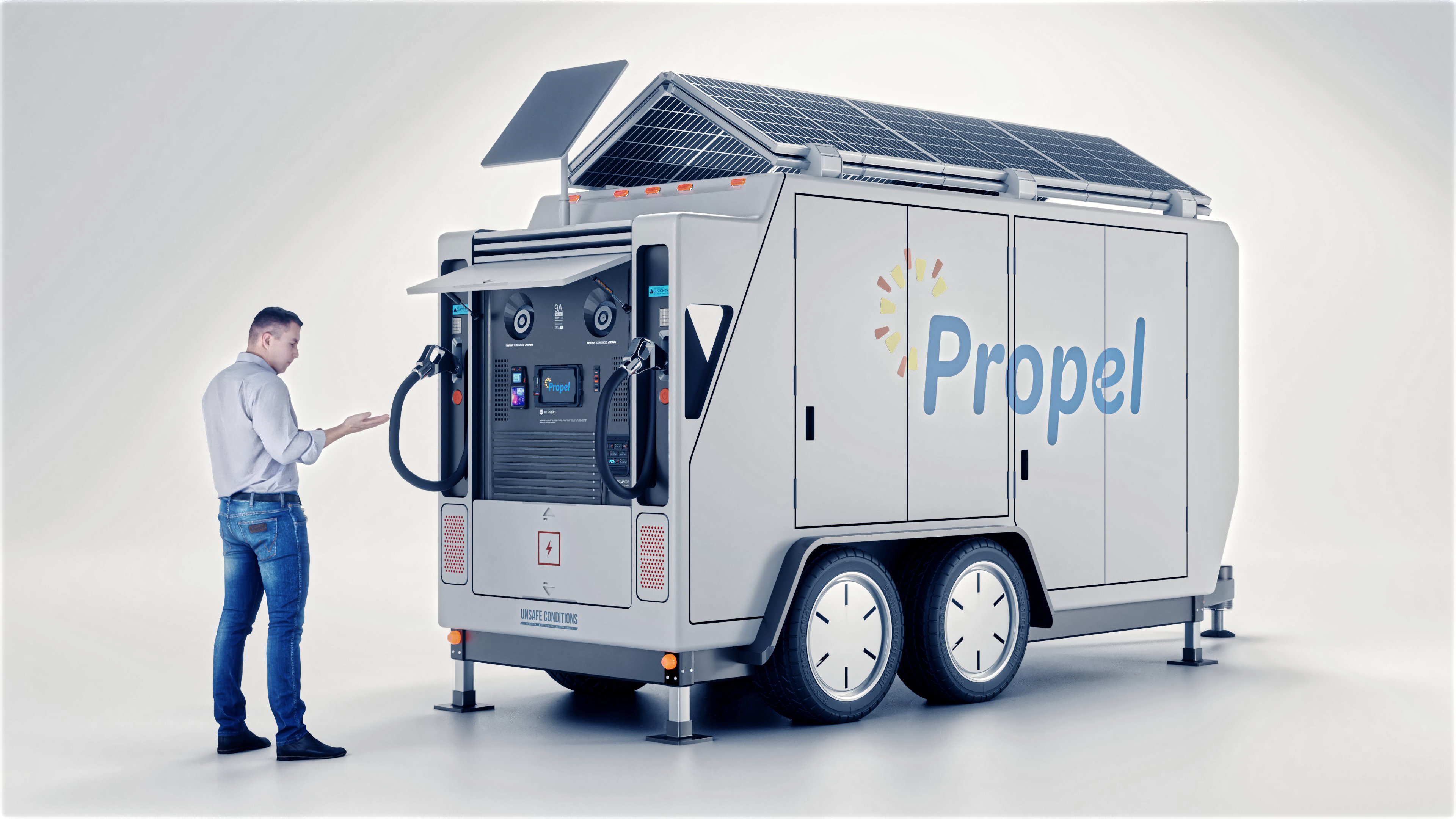

Images by Chipp Walters, shown from the Superhive product page.
KIT OPS 4: Premiere Kitbashing addon
Check the current price, version support and changelog on the creator's page.
See price on SuperhiveAffiliate link. How this works