All add-ons Materials & Shading
Mask Tools
Layer-based painting and procedural effects for texturing inside Blender, with edge detection, dust and grunge masks.
Not tested hands-on. Based on the creator’s documentation, demo videos, changelog and buyer feedback.
Cover image: Wayward Art Company, from the original product page.
Links to Superhive on this page are affiliate links. If you buy through them I earn a commission, at no extra cost to you.
What it does
Mask Tools changes how you texture in Blender. You add paint layers and procedural effects, and the add-on builds and organises the node tree behind the scenes, so you can get detailed materials without leaving Blender.
Key features
- Paint layers with masks.
- Procedural effects such as edge detection, dust and several grunge types.
- Distortion masks: paint procedural grunge and keep editing its shape, scale and bump afterwards.
- Alpha transparency and other painted effects.
- Organised node setups that stay readable.
Things to check before buying
The creator pitches it as a way to make low-poly objects look highly detailed through texturing. Large layer stacks can get heavy, so check performance on your machine.
Strengths
- Paint layers and procedural effects in Blender
- Distortion masks stay editable after painting
- Keeps node trees organised
Worth knowing
- Heavy layer stacks can slow the viewport
- A workflow to learn
Who it's for
Artists who texture in Blender and want a Substance-like layer workflow without exporting to other software.
From the product page
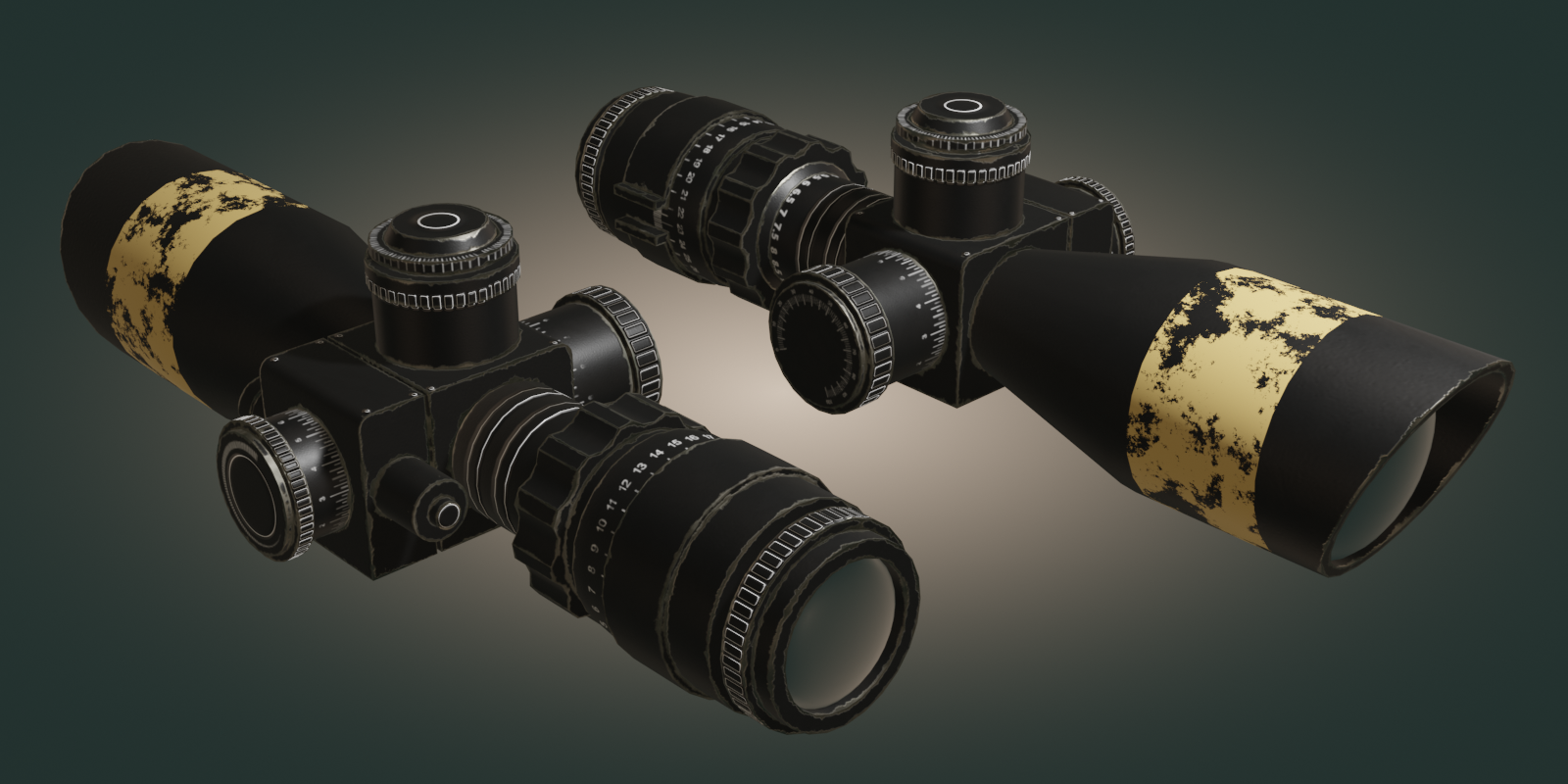
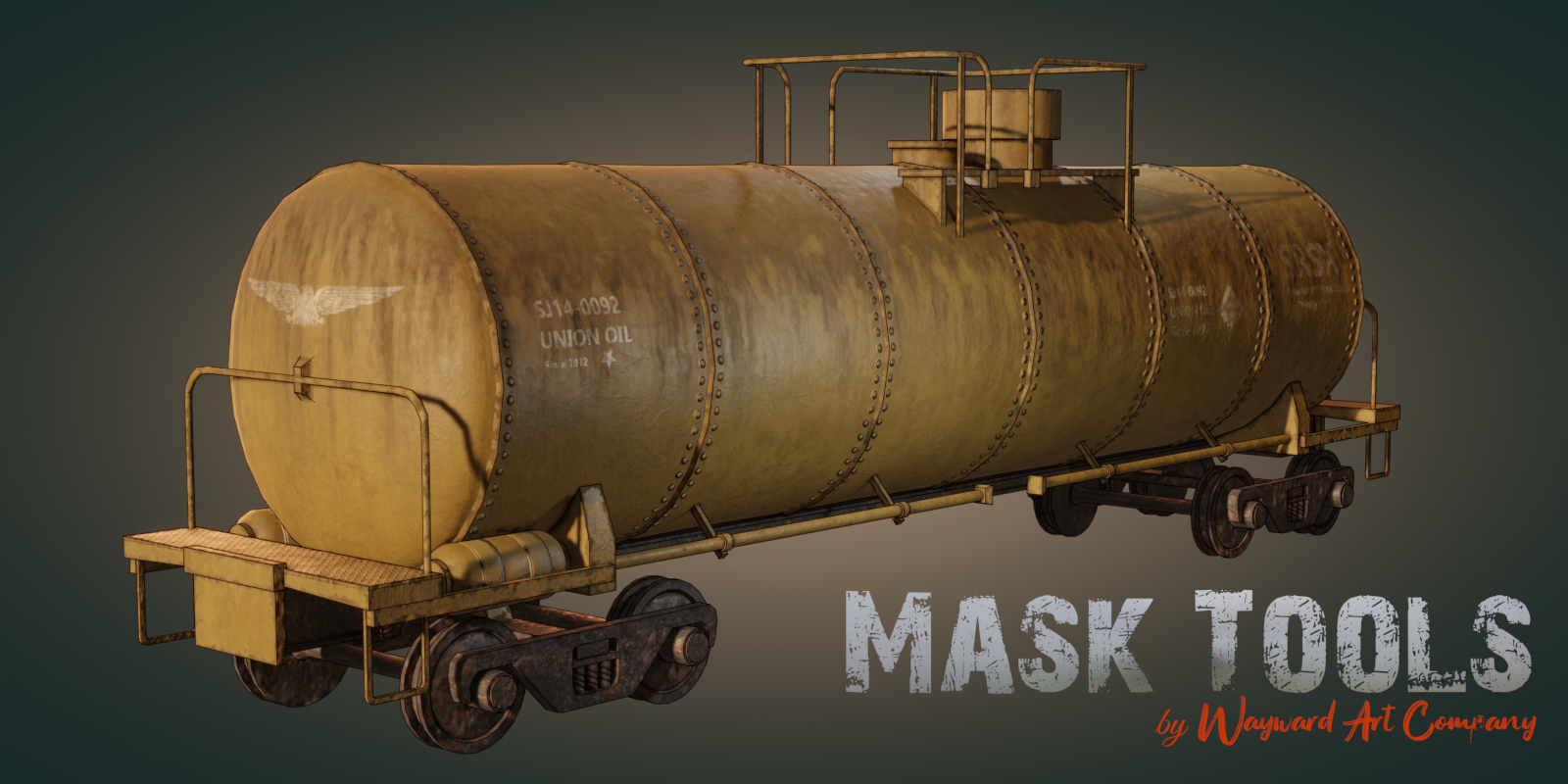
Images by Wayward Art Company, shown from the Superhive product page.
Mask Tools
Check the current price, version support and changelog on the creator's page.
See price on SuperhiveAffiliate link. How this works