Round Inset
by KushiroCG
Insets faces while keeping their original rounded corners and avoiding overlaps, which Blender's built-in inset cannot do.
Not tested hands-on. Based on the creator’s documentation, demo videos, changelog and buyer feedback.
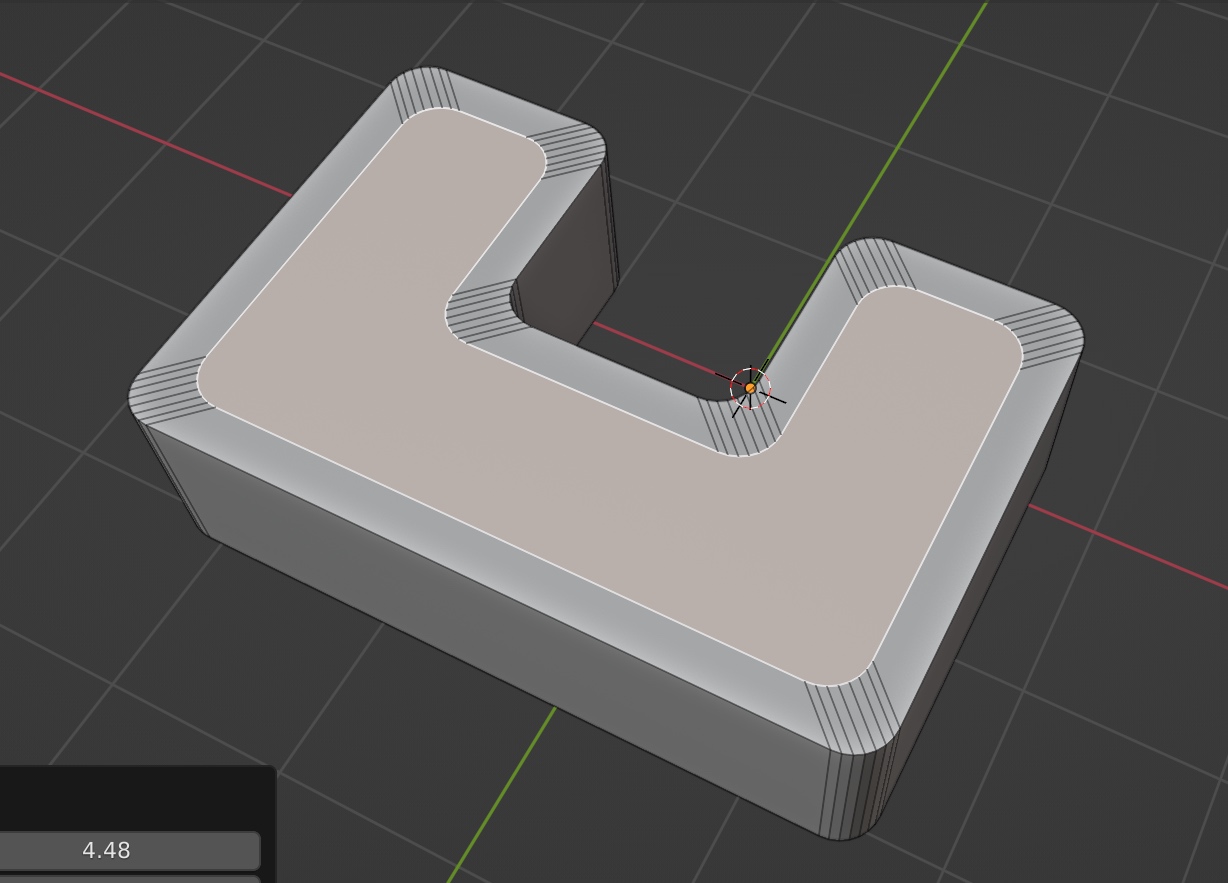
Cover image: KushiroCG, from the original product page.
Links to Superhive on this page are affiliate links. If you buy through them I earn a commission, at no extra cost to you.
What it does
Blender's Inset tool distorts rounded corners. Round Inset keeps the original corner shapes, so an inset of a rounded rectangle is still a rounded rectangle. You can then bevel the result for a clean, round surface.
Key features
- Faithful round corners when insetting.
- Threshold setting to choose which corners keep their shape.
- Scaling setting to fine-tune the result.
- No overlapping corners, even on odd shapes. For faces without round corners, set the threshold to zero.
Things to check before buying
The creator lists the current limitation: it works on individual faces, not connected regions. It is a small, focused tool for a common modeling headache.
Strengths
- Keeps the shape of round corners when insetting
- Prevents corner overlaps
- Threshold to choose which corners stay round
Worth knowing
- Works on individual faces, not connected regions
- A single-purpose tool
Who it's for
Modelers adding panels, trims or borders to rounded faces such as phone shapes, buttons and rounded rectangles.
From the product page
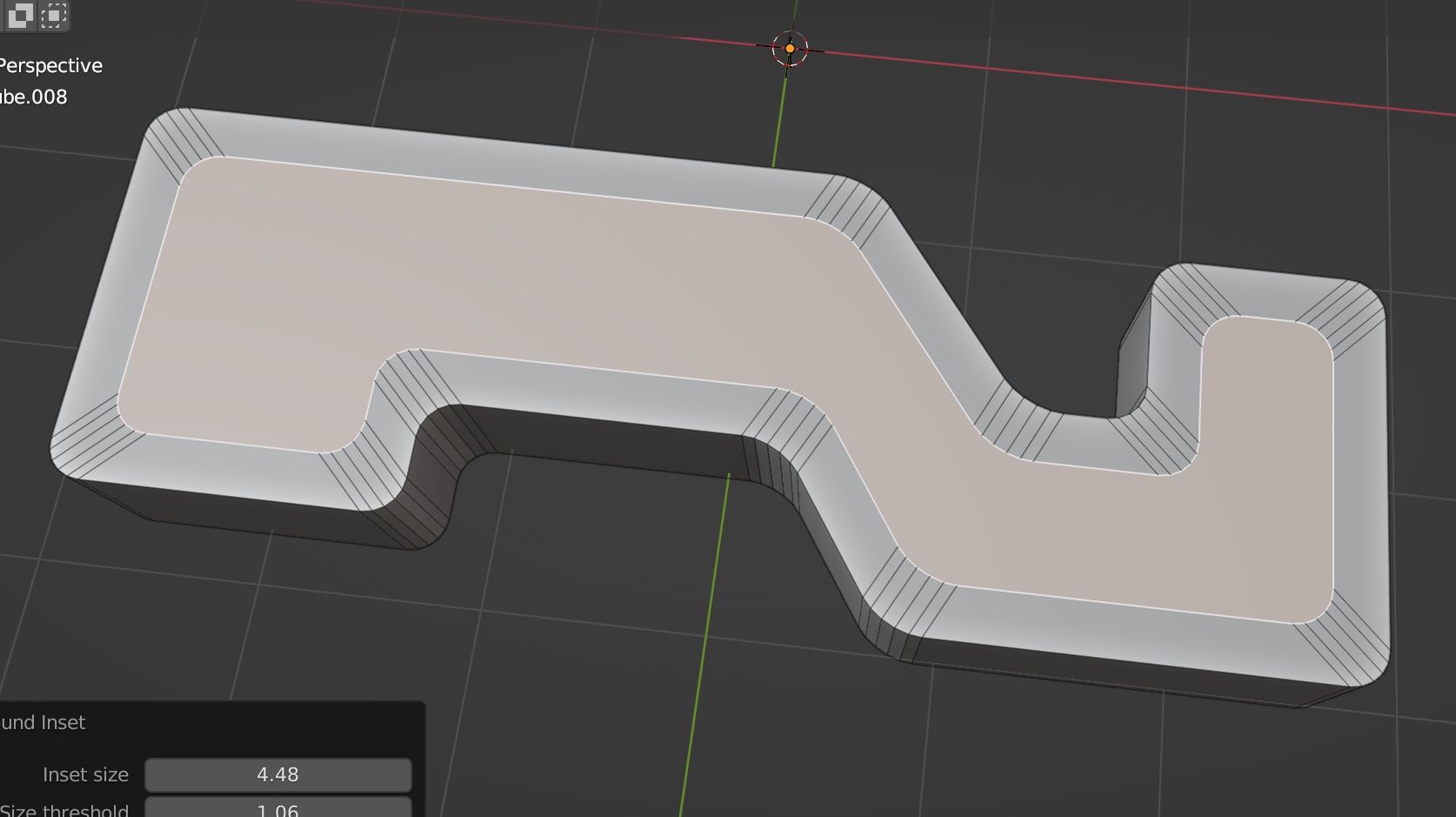
Images by KushiroCG, shown from the Superhive product page.
Round Inset
Check the current price, version support and changelog on the creator's page.
See price on SuperhiveAffiliate link. How this works