Speedsculpt
by Pitiwazou
A sculpting workflow helper for building base meshes, booleans, remeshing, masking and decimation faster.
Not tested hands-on. Based on the creator’s documentation, demo videos, changelog and buyer feedback.
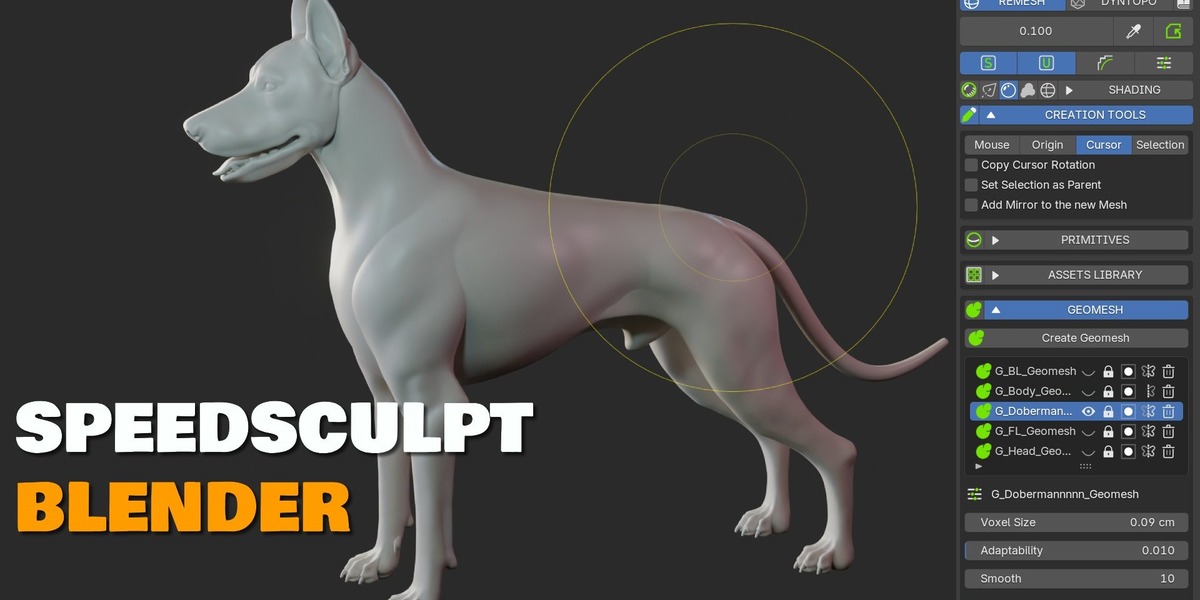
Cover image: Pitiwazou, from the original product page.
Links to Superhive on this page are affiliate links. If you buy through them I earn a commission, at no extra cost to you.
What it does
SpeedSculpt gathers the steps of a typical sculpting workflow into one place: blocking out a base mesh, combining and cutting parts, remeshing, masking and finally decimating.
Key features
- Rapid base meshes from primitives, curves and the skin modifier.
- Dyntopo and remesh management with integrated booleans, curve cutting and masking.
- Remesh for clean surfaces, including hard-surface style shapes.
- Decimate to reduce polygon count while keeping detail, for export or 3D printing.
- Masking tools to protect or isolate areas while sculpting.
Things to check before buying
Blender's own sculpt mode has gained many of these features over time, so check whether SpeedSculpt's combined workflow still saves you steps.
Strengths
- Fast base mesh creation from primitives, curves and skin
- Booleans and curve cuts in Dyntopo and remesh workflows
- Decimate for export or 3D printing
Worth knowing
- Overlaps with Blender's improved built-in sculpt tools
- Panel-heavy workflow
Who it's for
Character and creature sculptors who start from primitives and want quick blocking and remesh tools in one panel.
From the product page
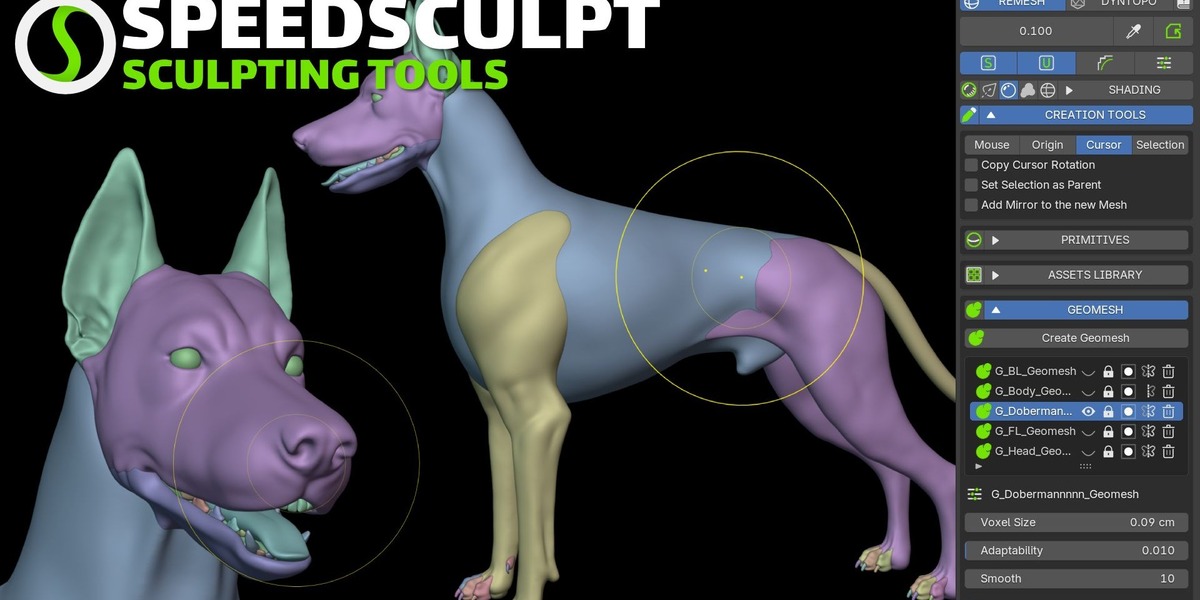
Images by Pitiwazou, shown from the Superhive product page.
Speedsculpt
Check the current price, version support and changelog on the creator's page.
See price on SuperhiveAffiliate link. How this works