UV Squares
by radivarig
A small, popular UV tool that straightens distorted UV selections into clean grids with one click.
Not tested hands-on. Based on the creator’s documentation, demo videos, changelog and buyer feedback.
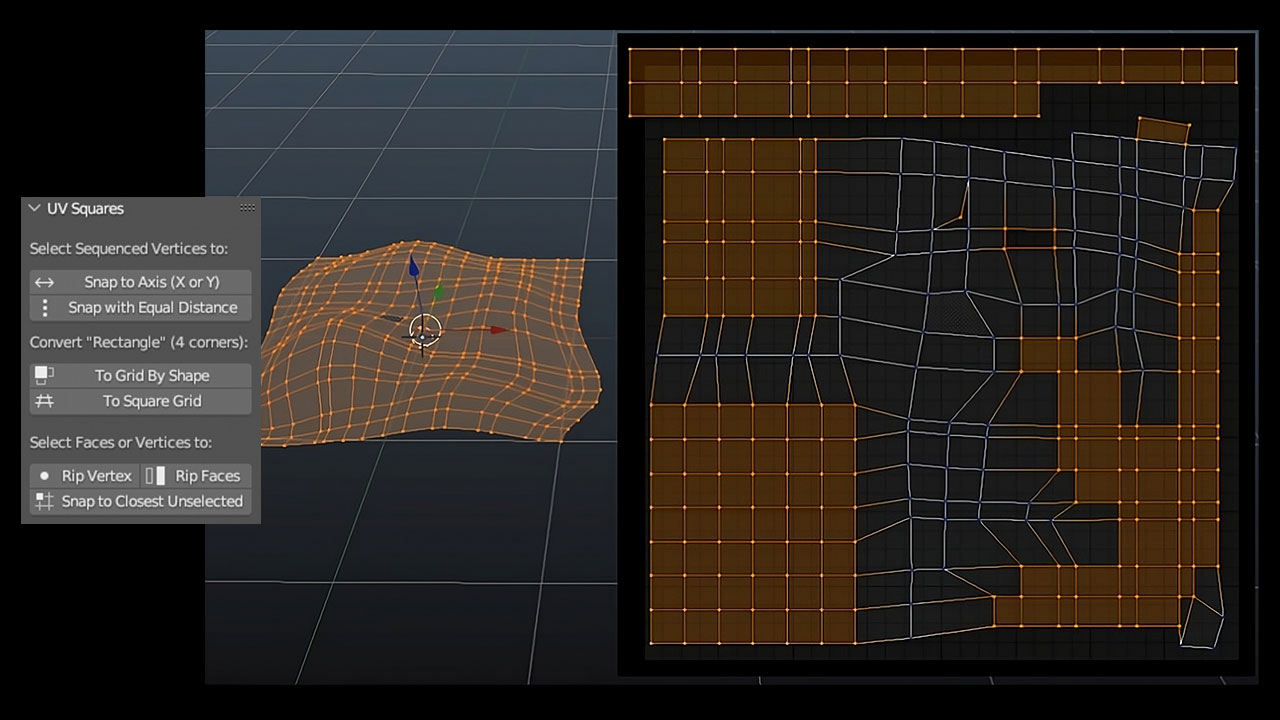
Cover image: radivarig, from the original product page.
Links to Superhive on this page are affiliate links. If you buy through them I earn a commission, at no extra cost to you.
What it does
Blender's unwrap often leaves islands bent or uneven, and straightening them by hand is slow. UV Squares reshapes your selection into a tidy grid in one step, keeping the proportions of the original faces.
Key features
- Reshape to grid: turns selected quad faces into equal squares, or keeps their relative shape.
- Align and space a row of vertices on an axis at equal distances.
- Rip faces and single vertices.
- Join selected vertices to the closest unselected ones.
Things to check before buying
It is a focused utility rather than a complete UV suite, and it expects quad topology. For a full workflow with packing and texel density, look at a bigger toolkit, but many people keep UV Squares around because it does one job very well.
Strengths
- One button turns quads into a clean grid
- Respects face proportions
- Cheap and simple
Worth knowing
- Works best on quad-based islands
- Not a full UV toolkit
Who it's for
Anyone who unwraps hard-surface or architectural models and spends time manually straightening UV islands.
From the product page
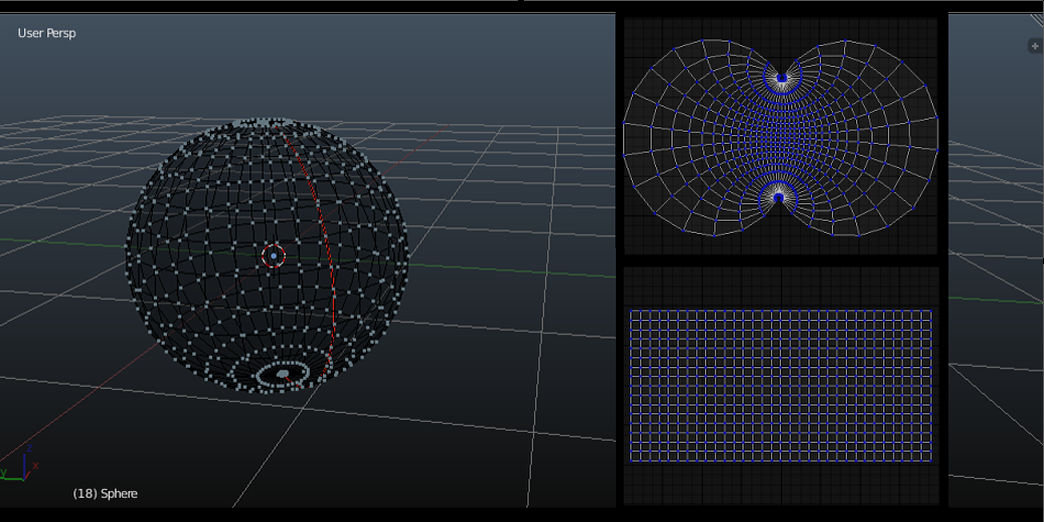
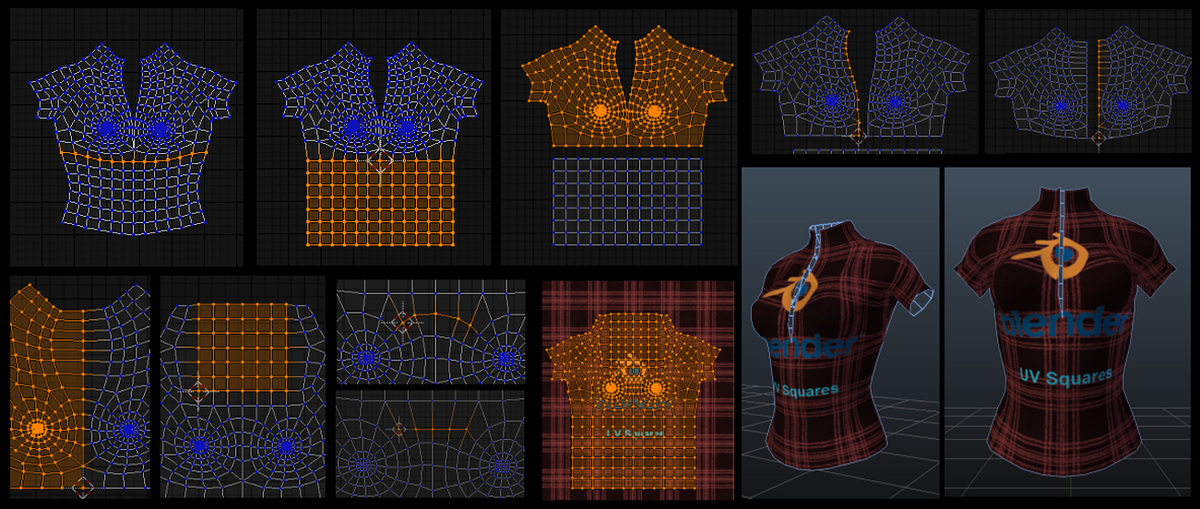
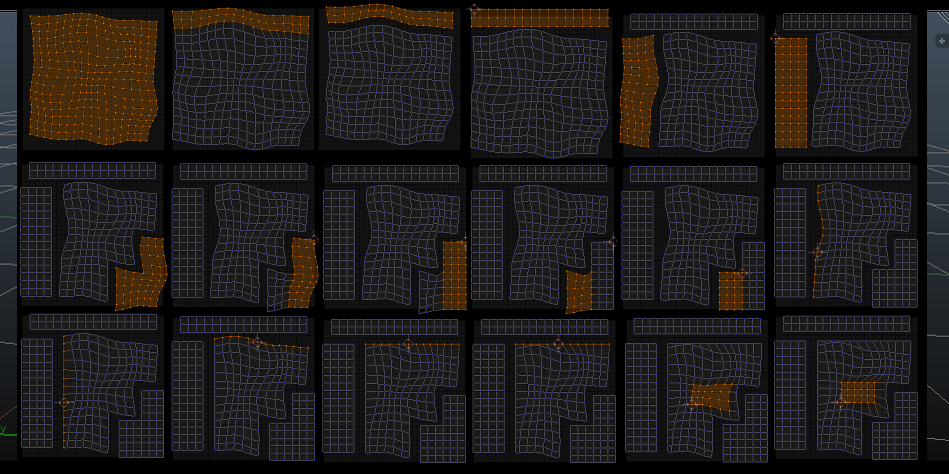

Images by radivarig, shown from the Superhive product page.
UV Squares
Check the current price, version support and changelog on the creator's page.
See price on SuperhiveAffiliate link. How this works